




Tonality Masks v10 · New Release · Oct 18, 2026

Digital photo development plugins
suited for any genre

A suite of professional Adobe Photoshop plugins designed to simplify and improve your workflow.

  • Luminosity, color and tone masks
  • Blending
  • Black & White
  • Color Grading
  • Glow & Orton
  • Sharpening
  • Export
Designed for Adobe Photoshop
Lifetime license, no subscription
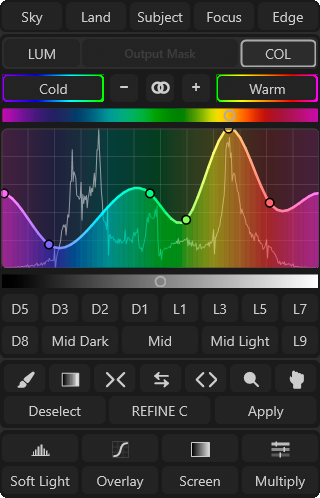
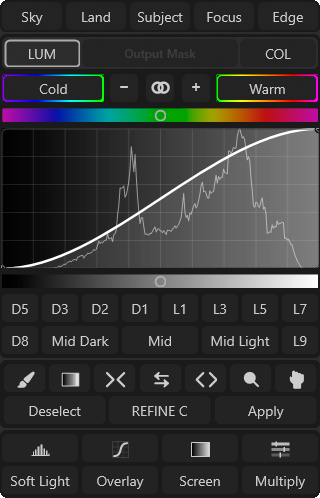
Tonality Masks panel preview
Available on
Windows macOS
Compatible with
Adobe Photoshop CC 2023/2026
At the Same Time On
2 devices
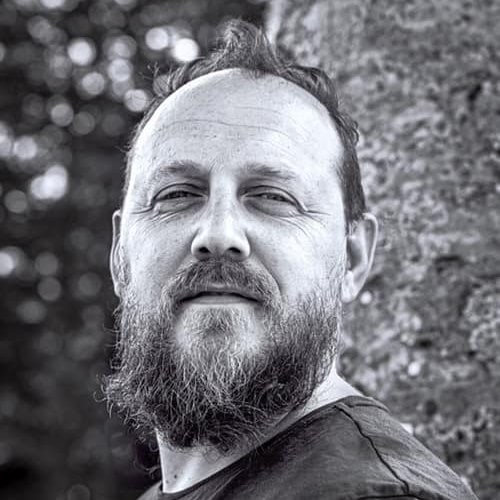
Portrait of Gaspare Silverii
“Technique solves problems.
Vision lets you see them.”
Gaspare Silverii

Quality, like trust, is proven over time

aren't a number, they're proof
same name, same vision

October 18, 2016October 18, 2026

Tonality Masks was born: the first plugin in the world to introduce selections and masks based on warm and cool color tones.

We reached version 10: with the same identity, vision and commitment as on day one.

See our story
Our Plugins

A plugin for every need

Improve and speed up your photographic workflow:
eight plugins designed to work in synergy.

New

Tonality Masks

v10

Basic

v1

Color Grading

v2

Blending

v2

Sharpen

v1

Black & White

v2

Glow & Orton

v1

Export

v2
Tonality Masks
SPECTRUM LUM/COL
luminosity, tone and color masks at 16/32-bit

  • Luminosity, Hue & Color MasksCreate complex masks in a single click.
  • Local & Global AdjustmentsRefine masks and selections in a few clicks, with local-contrast Dodge & Burn built in.
  • Advanced Mask OperationsA virtual calculator for building complex masks.
Explore Tonality Masks
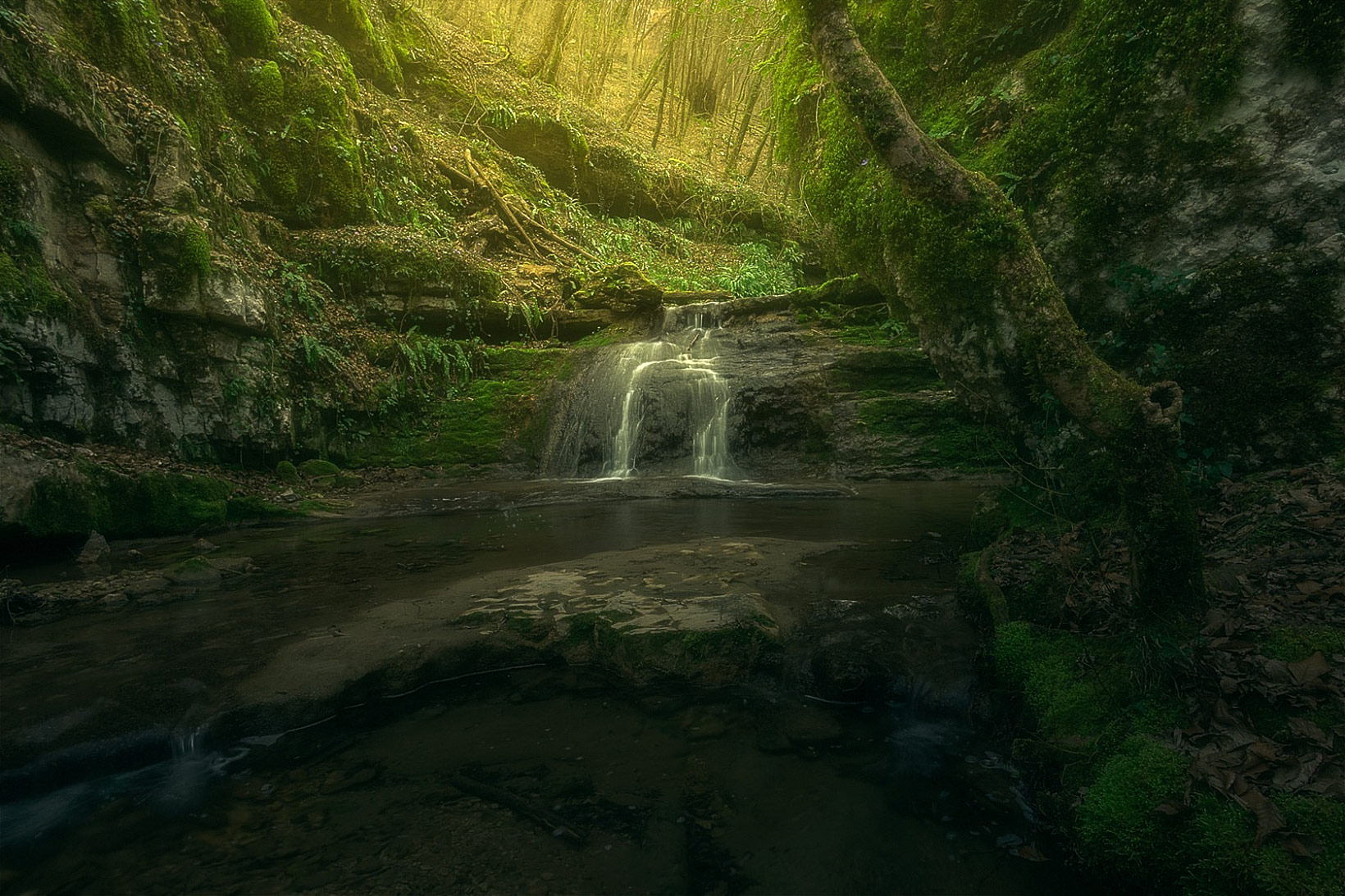
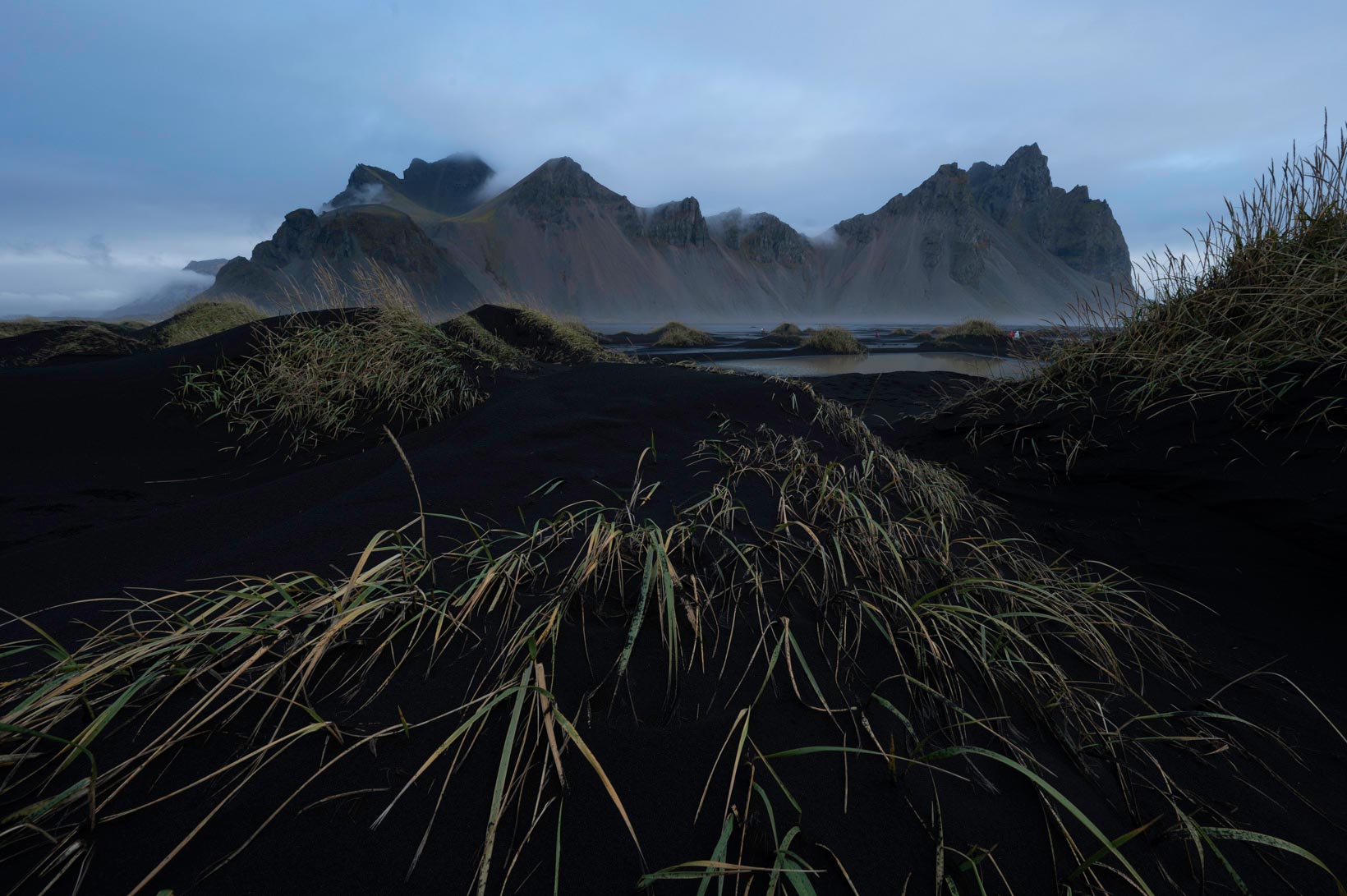
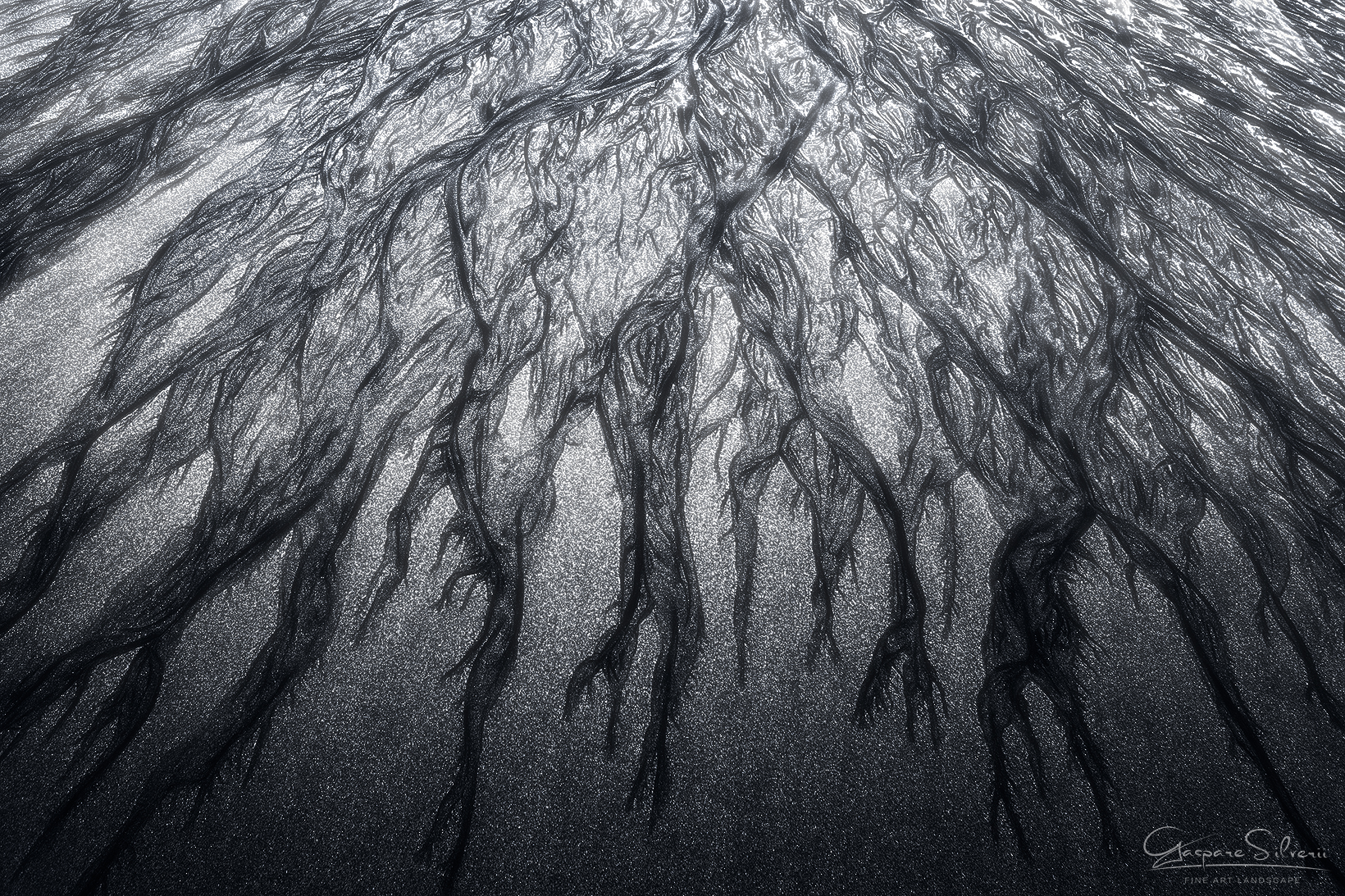
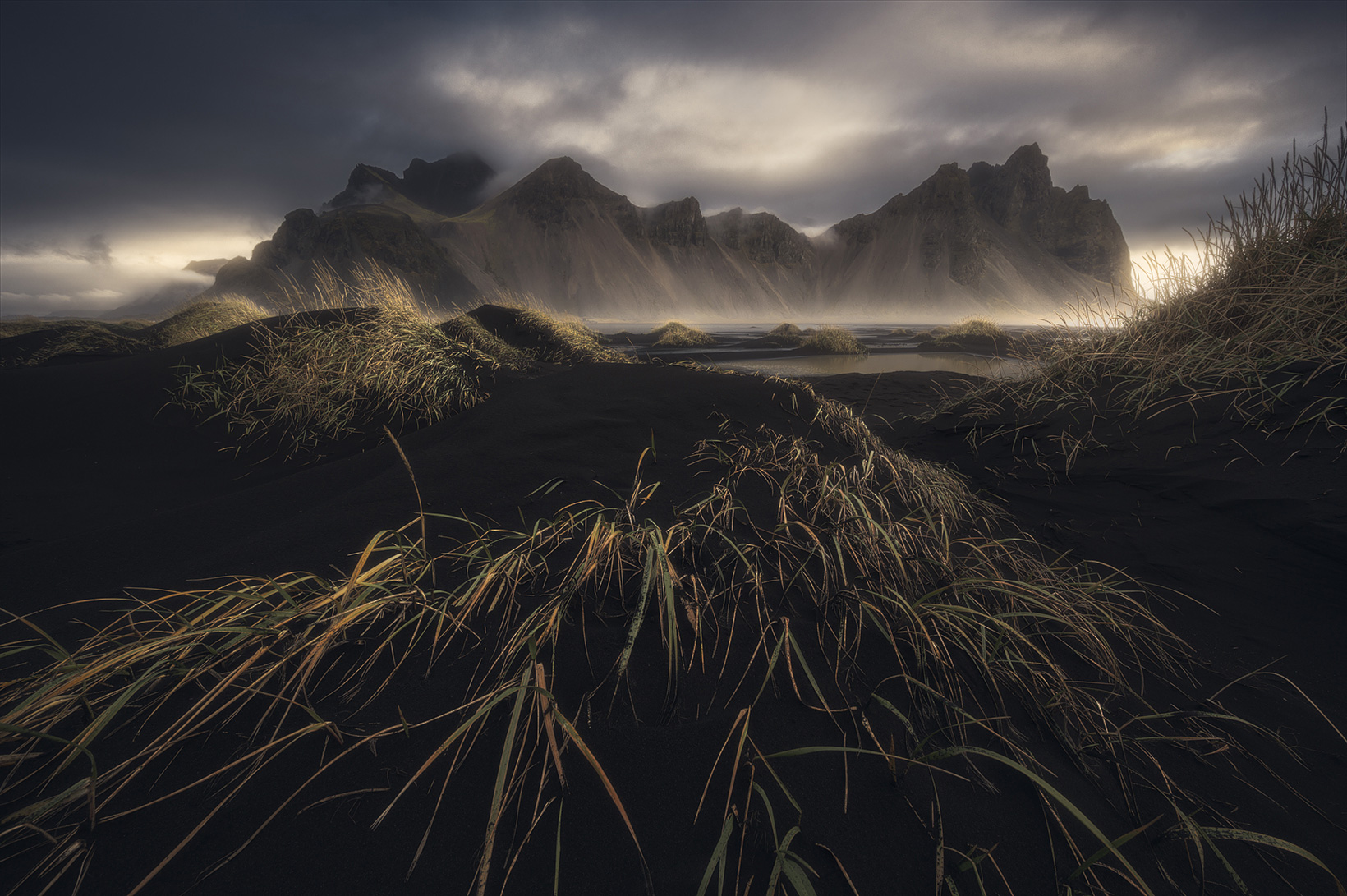
Landscape photograph by Gaspare Silverii, Iceland

Glow & Orton

Glow & Orton
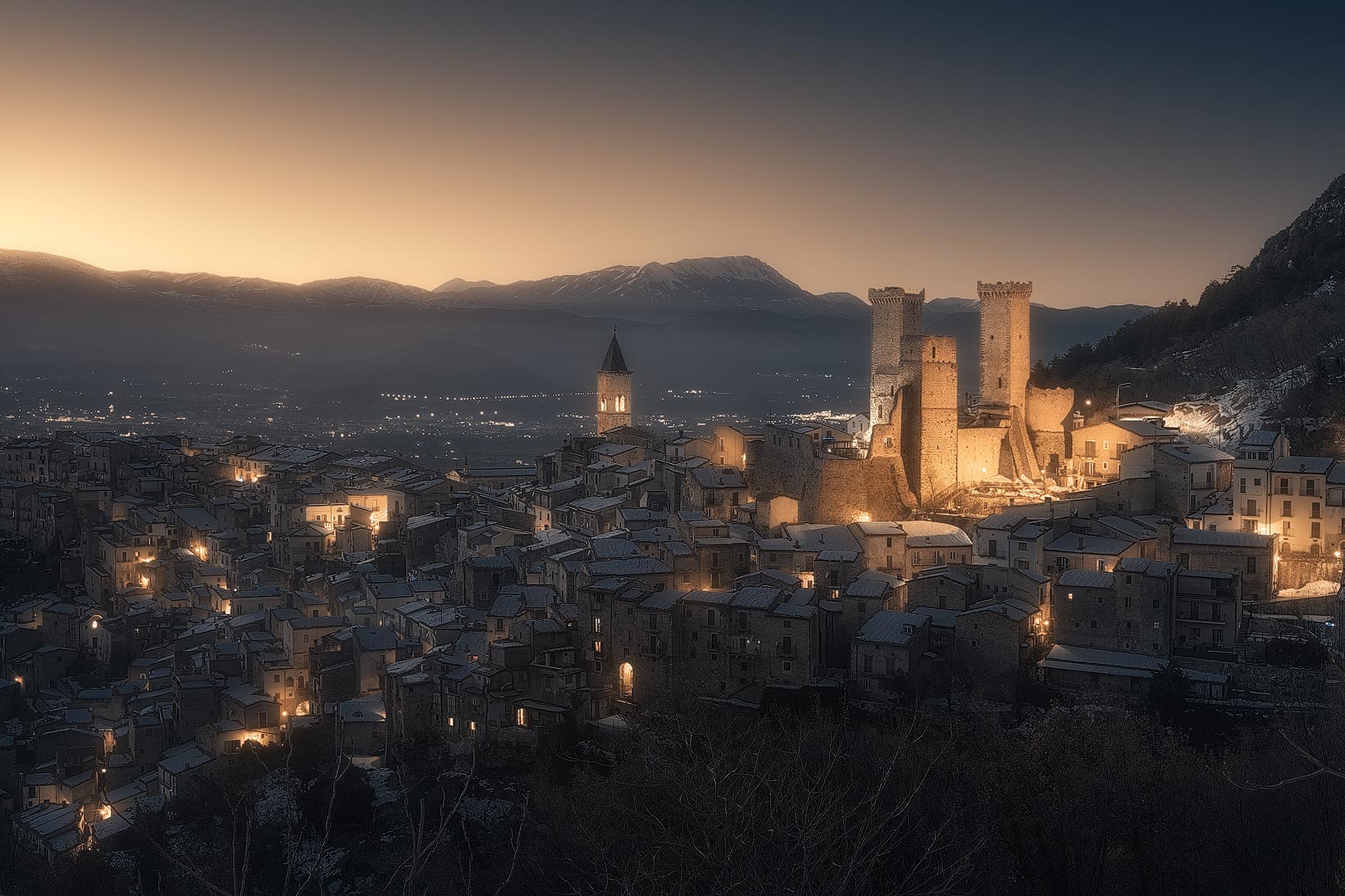
a dreamy atmosphere

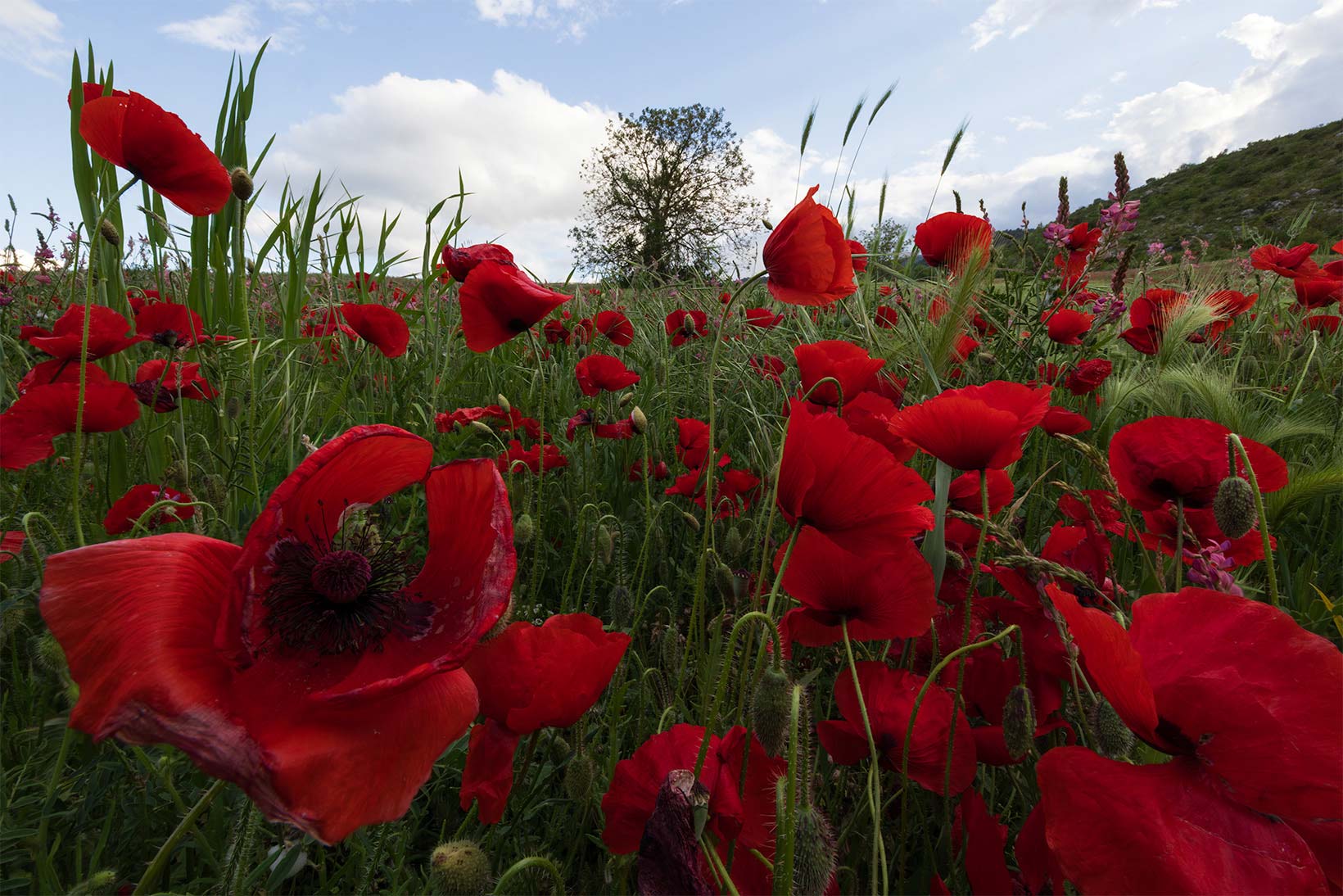
After - photo by Emanuel Scarponi
  • Soft LightDial in intensity, color and mask for the Glow effect on your own.
  • Independent Highlights & ShadowsThe Orton effect applies separately to shadows and highlights, for full control.
  • Save Your MoodCreate the perfect atmosphere once, save it as a preset, and reapply it in one click.
Explore Glow & Orton

Basic

Basic
essential adjustments

  • White BalanceNeutralizes the color cast, a clean starting point for every edit.
  • Dynamic Light SpotAdds a dynamic light spot to draw the eye toward the subject.
  • Lab Color BoostBoosts color saturation working in Lab space, for a more natural push.
Explore Basic
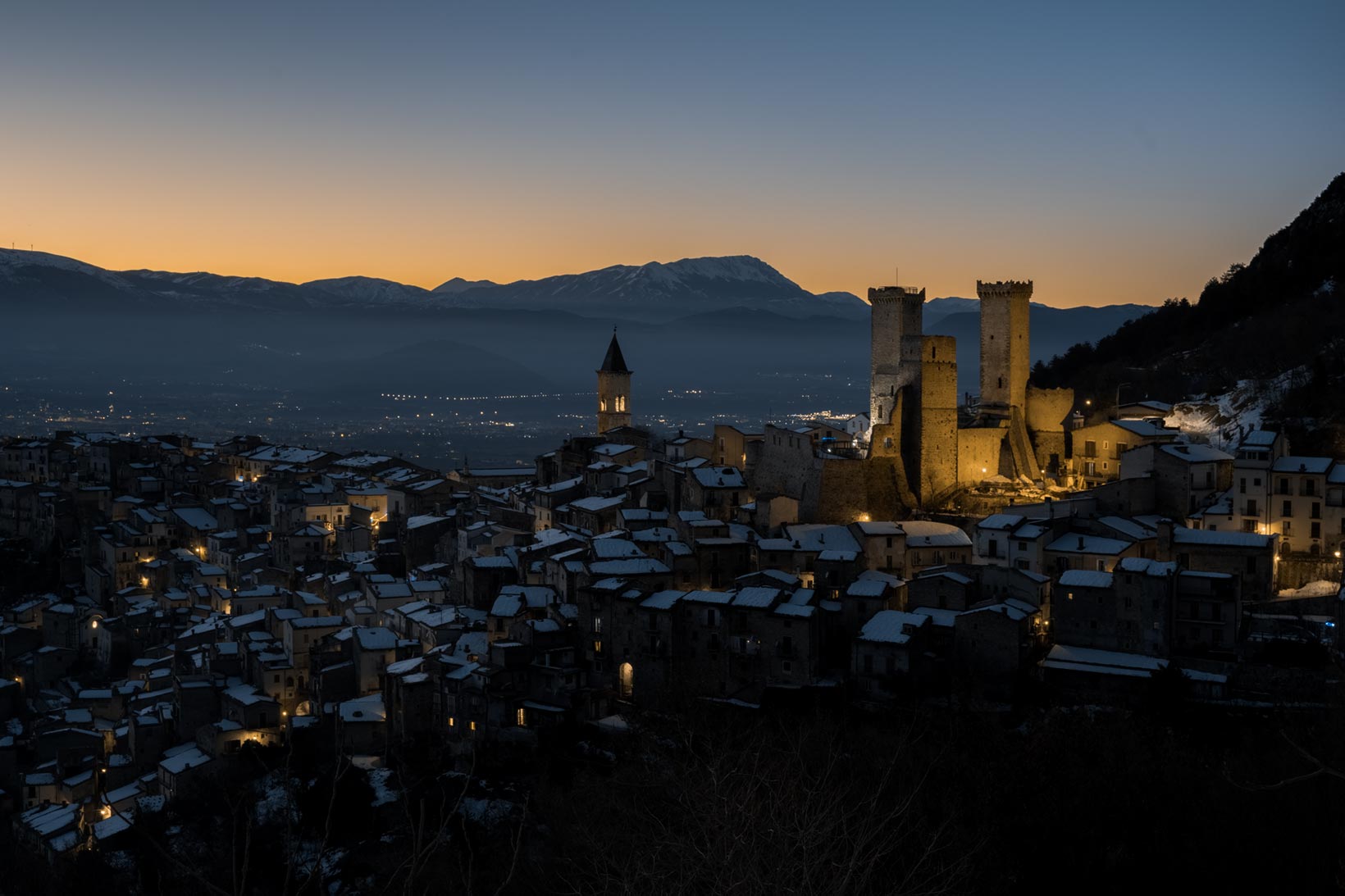
After - photo by Samuele Bucci

Blending

Blending & HDR 16/32-bit
no halos, no artifacts

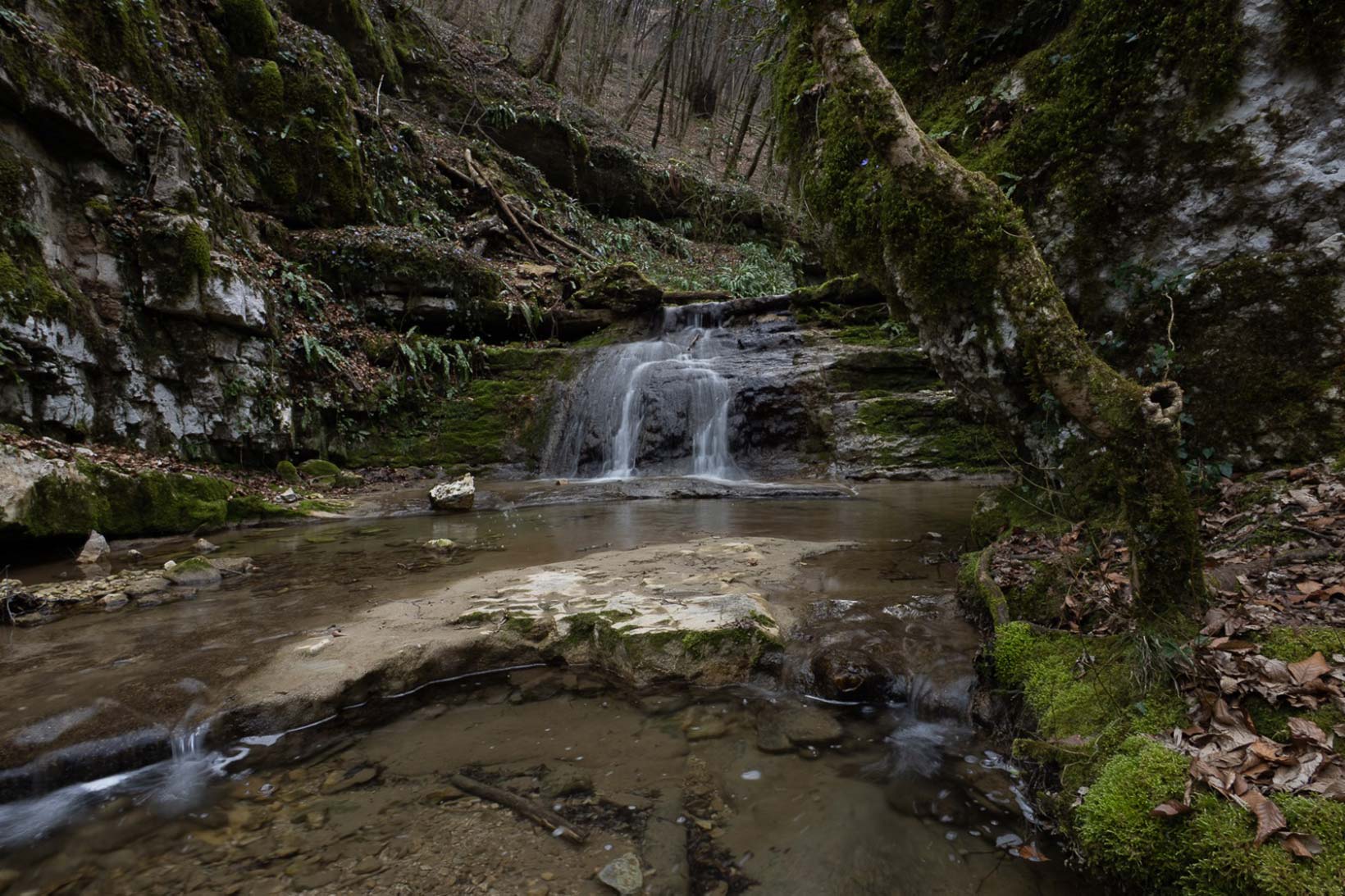
After - photo by Roberto Pirola
  • Blending & HDR 16/32-bitMerge multiple exposures to expand dynamic range.
  • Emphasize Lights & ColorsFine-tune contrast and tone with the most-used creative effects in landscape photography.
  • Details & NoiseSharpening and advanced noise-reduction tools.
Explore Blending

Color Grading

Color Grading
convey your emotions

  • Color TheoryAutomatic reading of the color palette in your images.
  • Get InspiredOne click generates infinite grading combinations.
  • Customizable PresetsSave your favorite settings and apply them in one click.
Explore Color Grading
After - photo by Augusto Veronesi

Black & White

Black & White
with Ansel Adams' zones

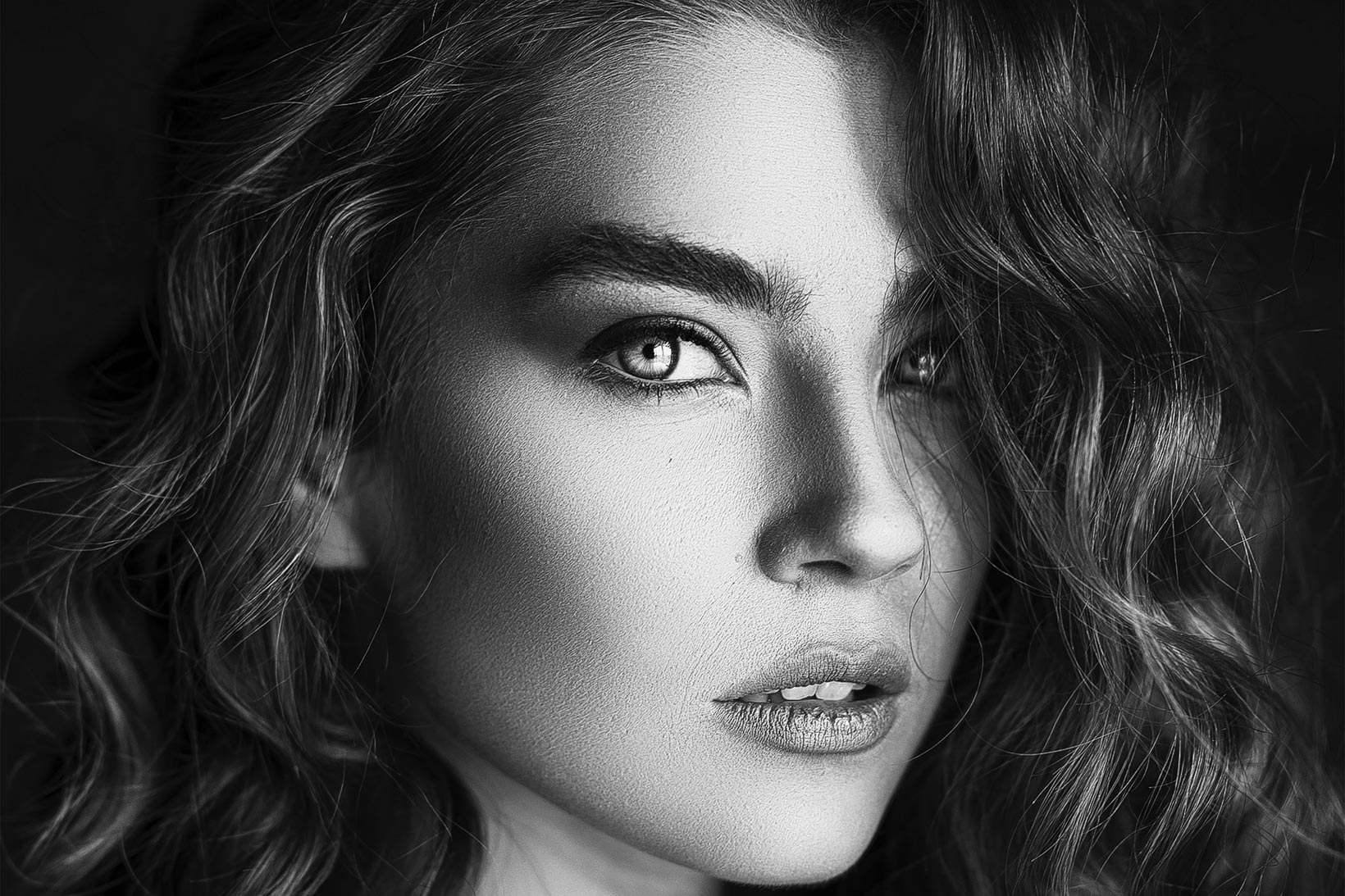
After - photo by Ali Pazani
  • Zone SystemFull control based on Ansel Adams' famous zone system.
  • Advanced FiltersCustom conversion based on color.
  • Dynamic ContrastIntuitive control over tonal contrast.
Explore Black & White

About Us

The team behind the plugins