 EN
 IT
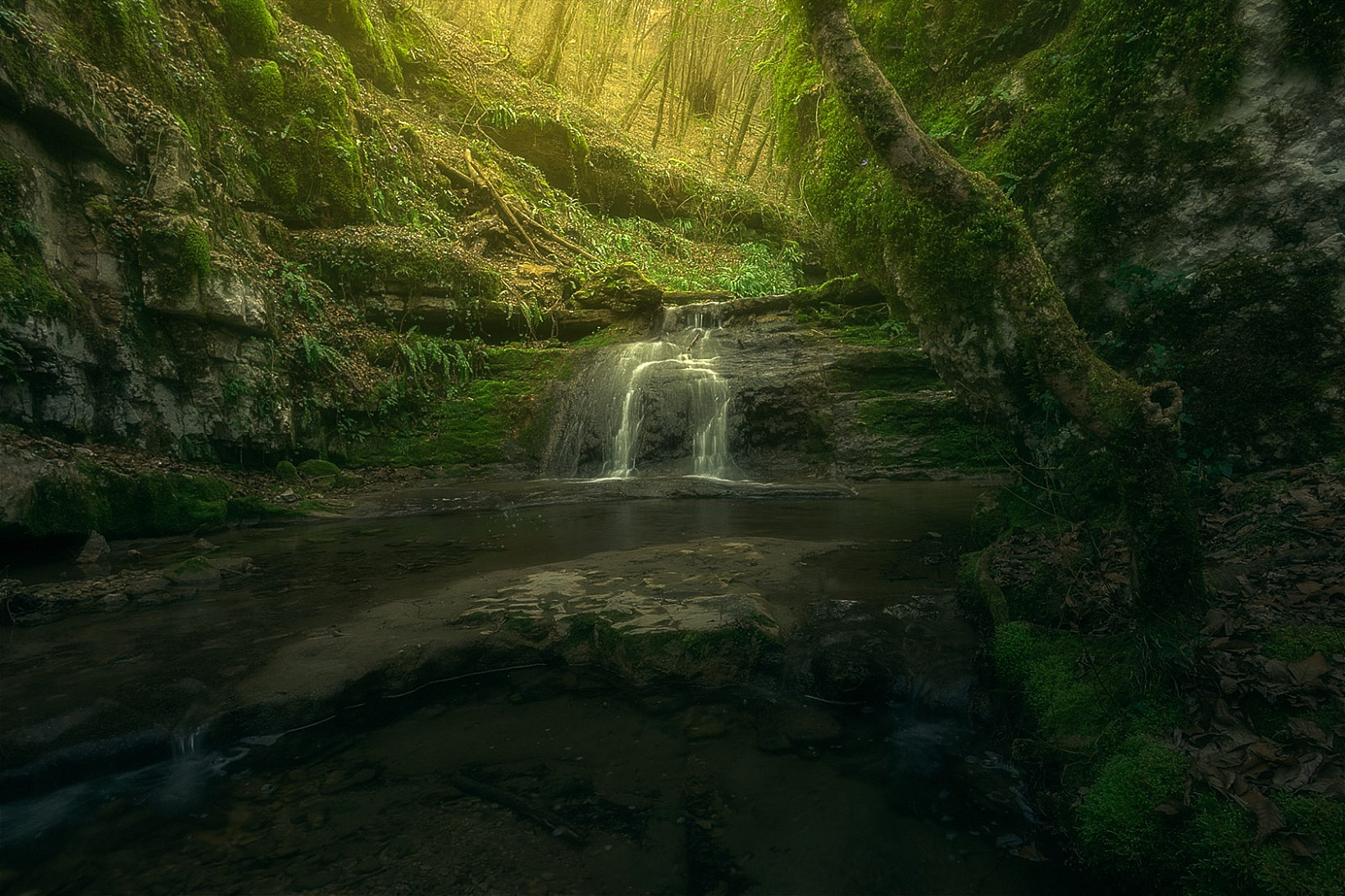
Color Grading
Color Grading v2
Get full control of color and your creative vision
Automatic color-palette reading, HSL toning and one-click grading combinations: full control over the color of your images.

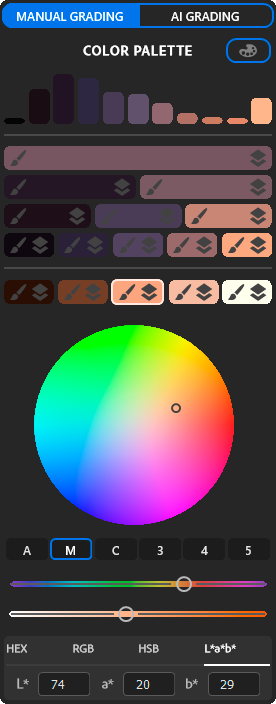
The Communicative Power of Color
From color theory to your emotions
Analyze, harmonize and adjust every tone of your image, with the precision you prefer.
-
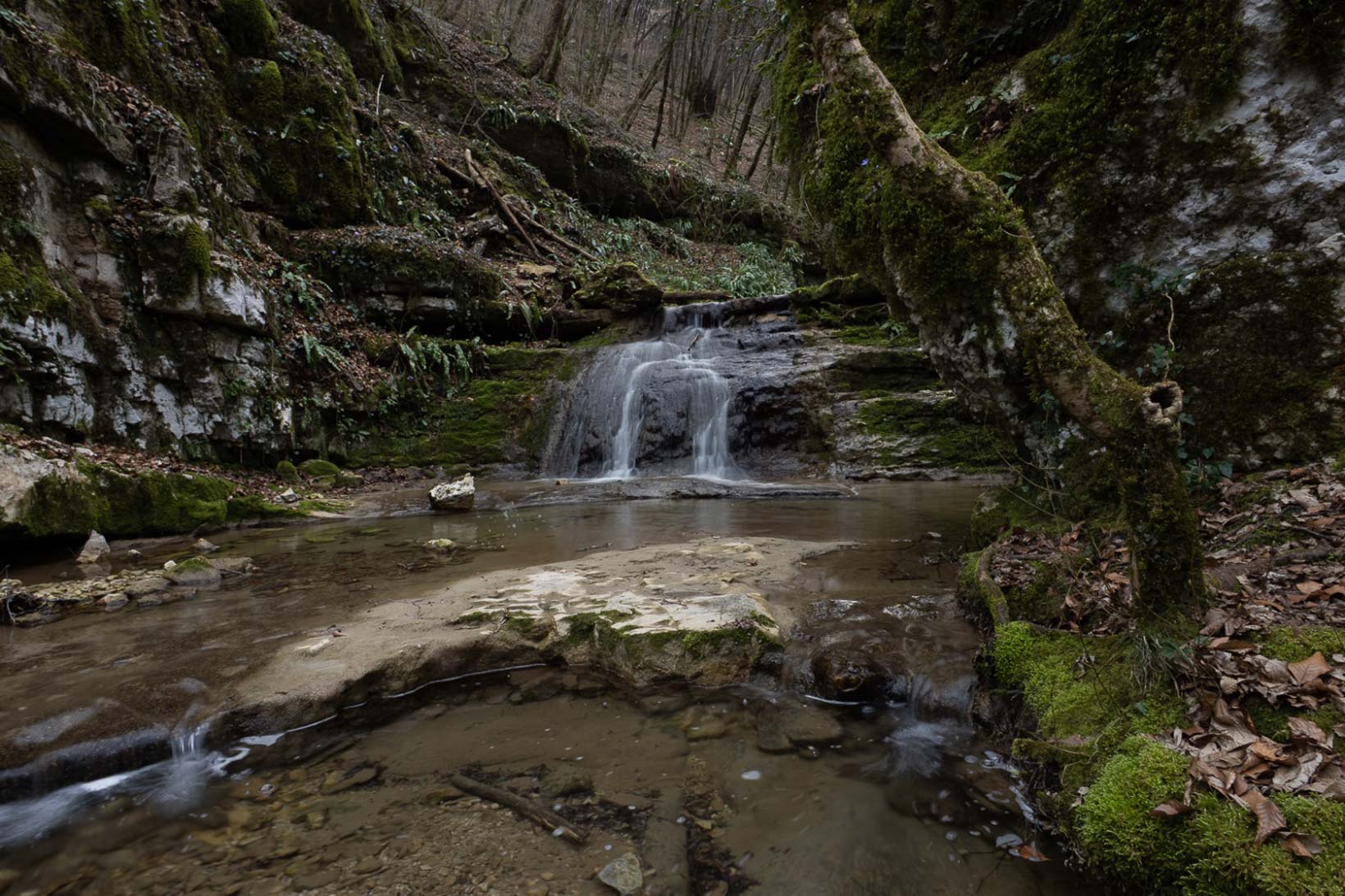
11-Zone Color MapAutomatically reads the dominant palette of every tonal range as soon as you open the photo.
-
Color Wheel and Color TheorySuggests ready-to-apply color harmonies: complementary, analogous or triadic.
-
Hex, RGB, HSB and Lab PrecisionEnter exact numeric values when you already know the tone you want to achieve.
Discover Every Feature
All the color control in one single panel
Every Color Grading tool, in a single view.
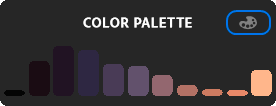
A color map of 11 luminosity zones
Using the dedicated Palette button, you can read the image histogram in 11 different zones and map the average color for each one.
-
Color map of 11 luminosity zonesSee exactly which hue dominates each brightness range, from deep shadows to bright highlights.
-
Color palette reading on open imageAutomatically extracts the dominant colors the moment you open a photo.
-
Luminosity analysisBreaks down the image's tonal range so you know where to grade first.
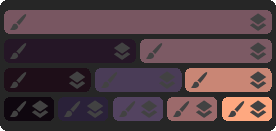
Grade by zone
Click the Brush icon to quickly select a color for a creative Dodge & Burn.
Click the Layers icon to quickly apply a color grade on a specific zone.
-
Analyze zone by zoneInspect and adjust each of the 11 luminosity zones independently.
-
Quick zone color gradingPush a hue into a single zone without touching the rest of the image.
-
Color Dodge & BurnPaint light or dark with color instead of plain gray for a livelier effect.
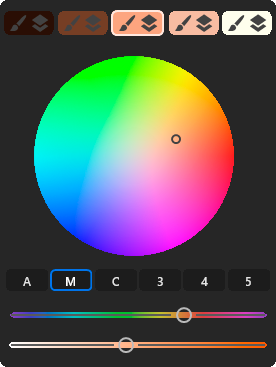
A color wheel that thinks with you
The Color Wheel shows the relationship between colors using the principal rules of natural color harmony.
Click Brush to instantly set the chosen color as foreground for a creative Dodge & Burn, or Layers to apply it directly to the selected luminosity zone.
-
Color TheoryBuilt-in harmony rules (complementary, analogous, triadic) suggest colors that work together.
-
Color GradingApply the wheel's suggested hue straight onto your chosen luminosity zone.
-
Color MoodShift the overall feel of an image toward warm, cool or cinematic tones.
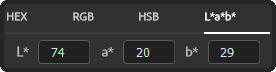
Numeric precision, every time
Set numeric values to get the maximum precision on your colors.
-
HexType a hex code when you already know the exact shade you want.
-
RGBFine-tune red, green and blue channels independently for precise mixing.
-
HSBAdjust hue, saturation and brightness separately for intuitive control.
-
LabWork in a perceptually uniform space for the most accurate color matching.
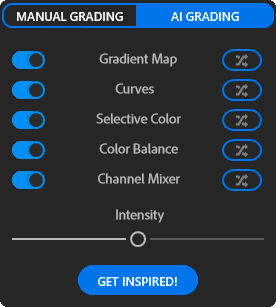
Random, controlled creative sparks
Click Get Inspired! and a set of specific color-grading corrections is generated in a random but controlled manner. Do it a few times to discover combinations worth building on.
Save the most interesting combinations as Libraries in Adobe Photoshop for future use. Beware: this section is addictive!
-
Gradient mapMaps a custom color gradient across your image's tonal range.
-
CurvesFine-tunes contrast and color per channel with precision curve control.
-
Selective colorAdjusts a single color family without shifting the rest of the palette.
-
Color balanceShifts shadows, midtones and highlights toward the mood you want.
-
Channel mixerBlends color channels for creative black & white and color effects.
Watch It In Action
Infinite combinations with Color Grading
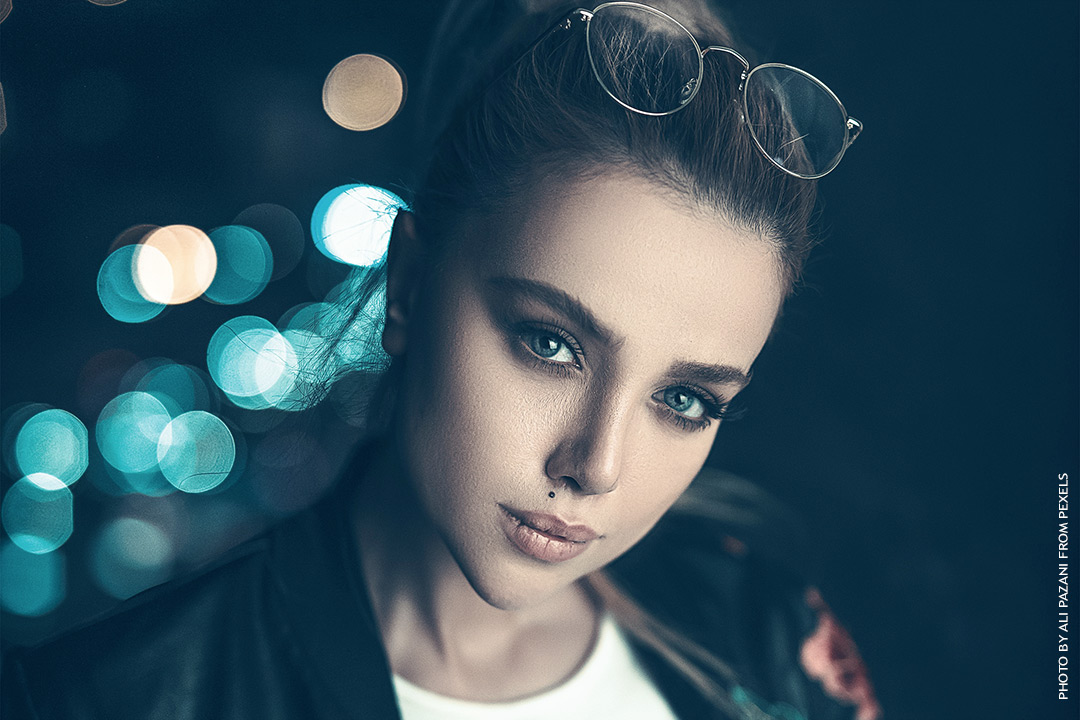
One Shot, Endless Possibilities
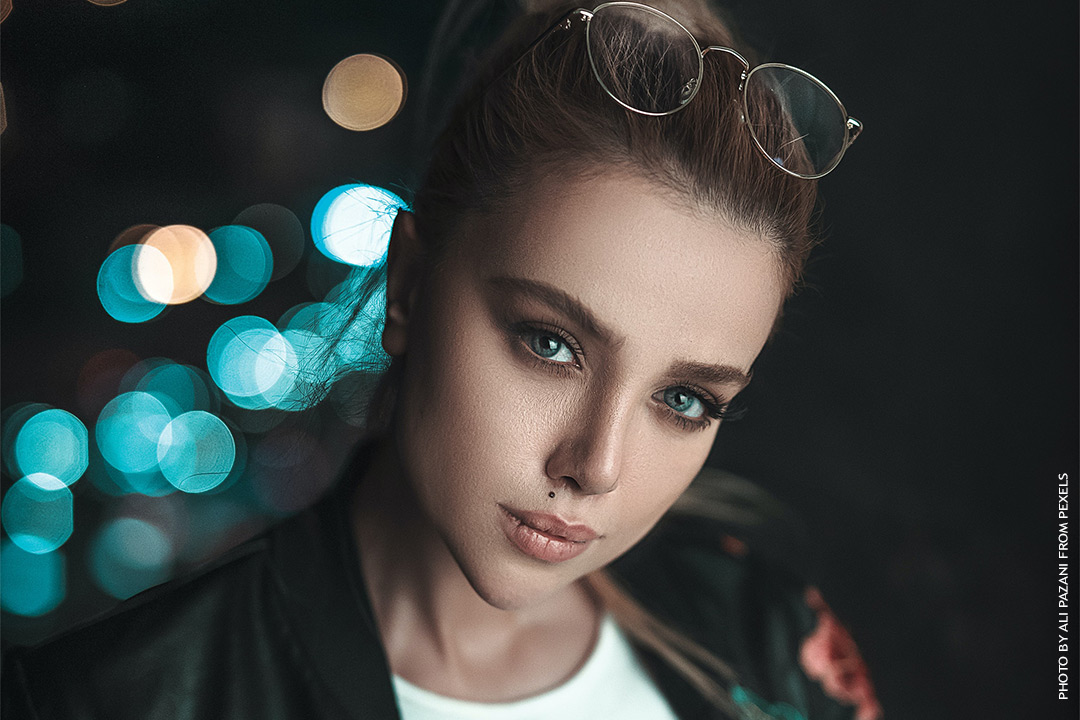
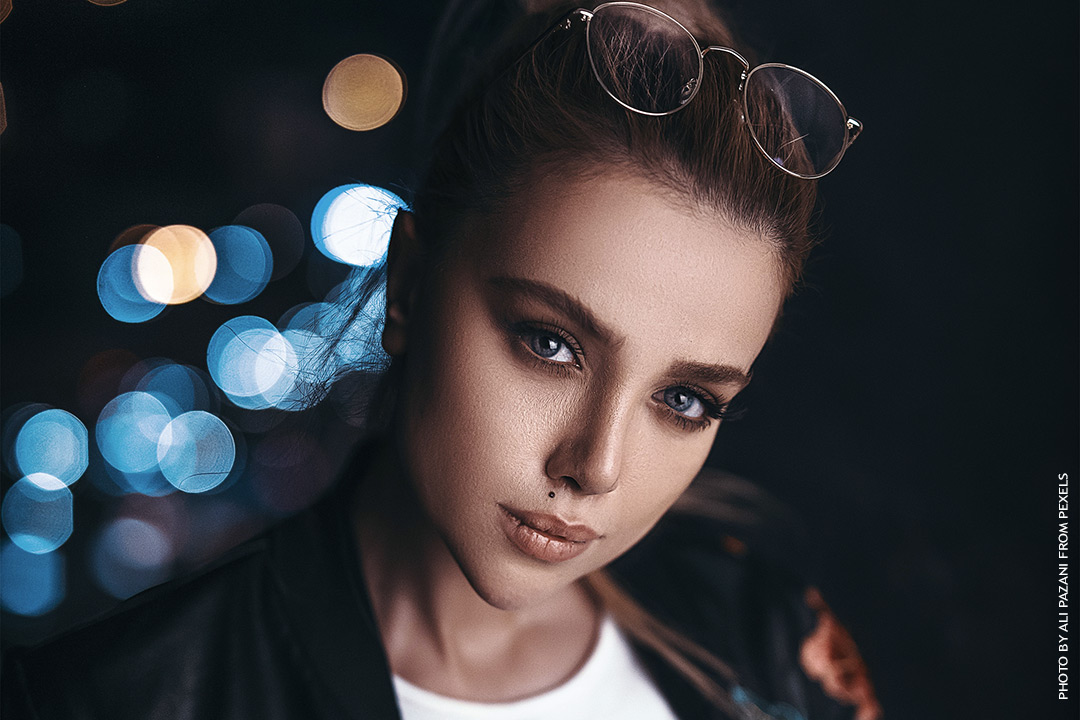
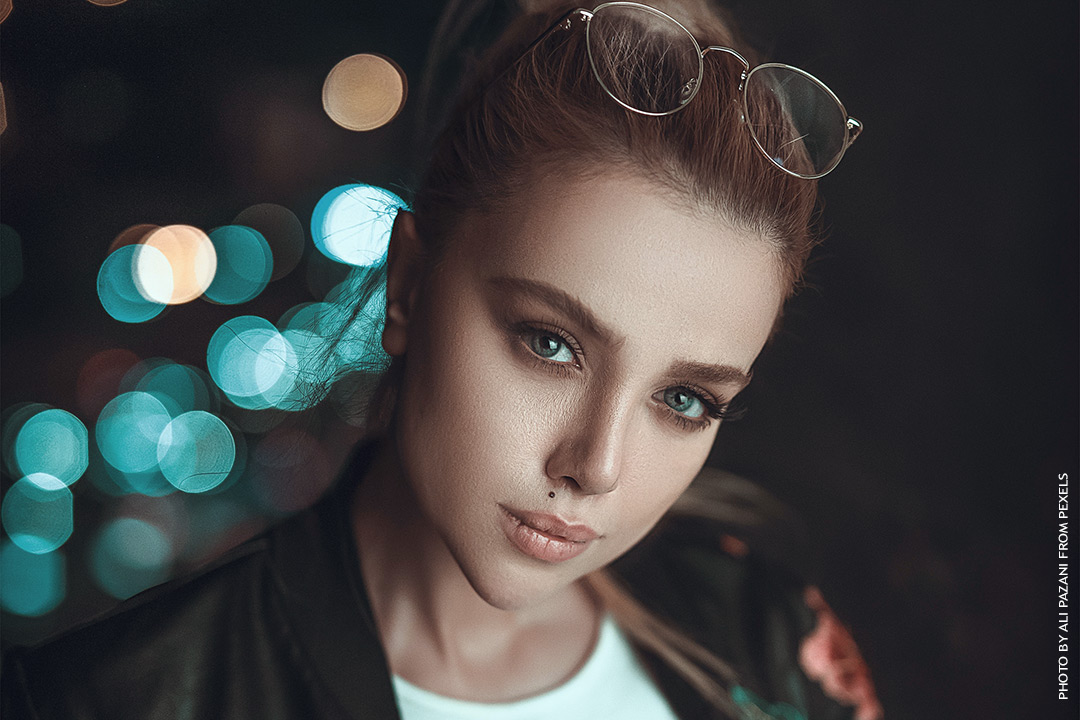
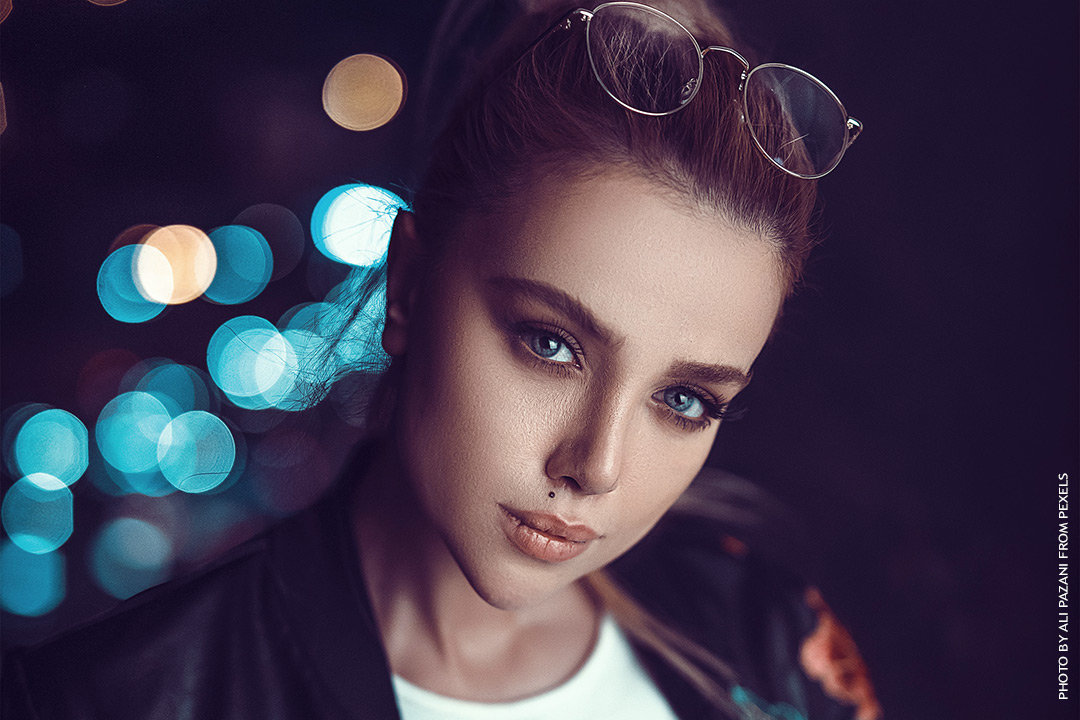
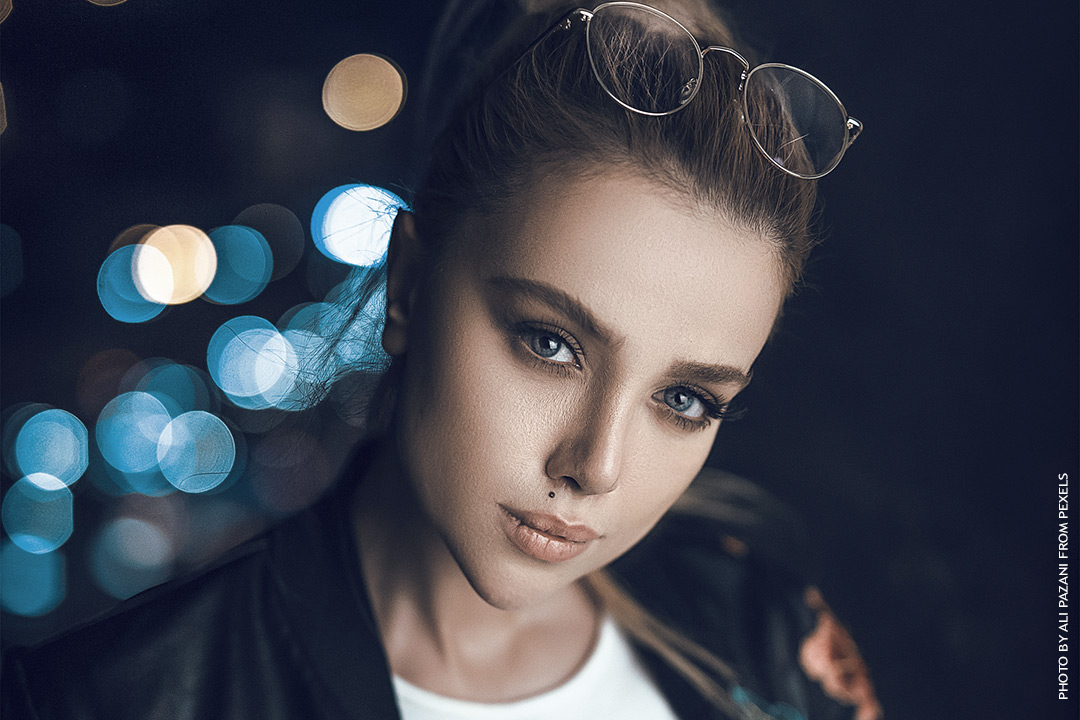
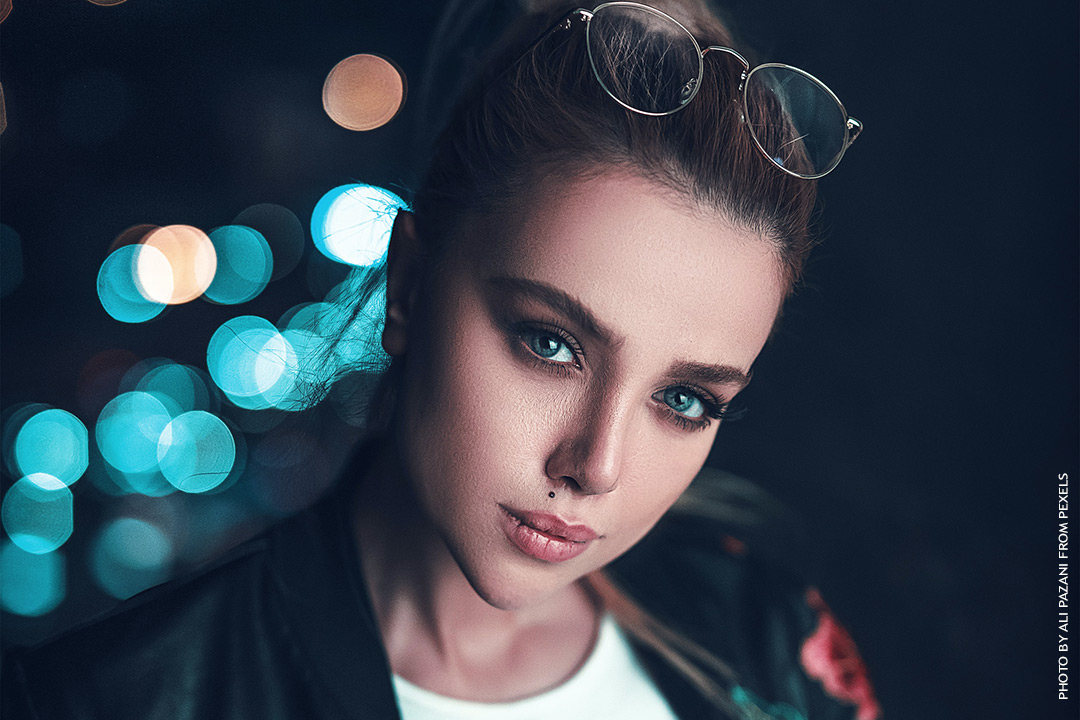
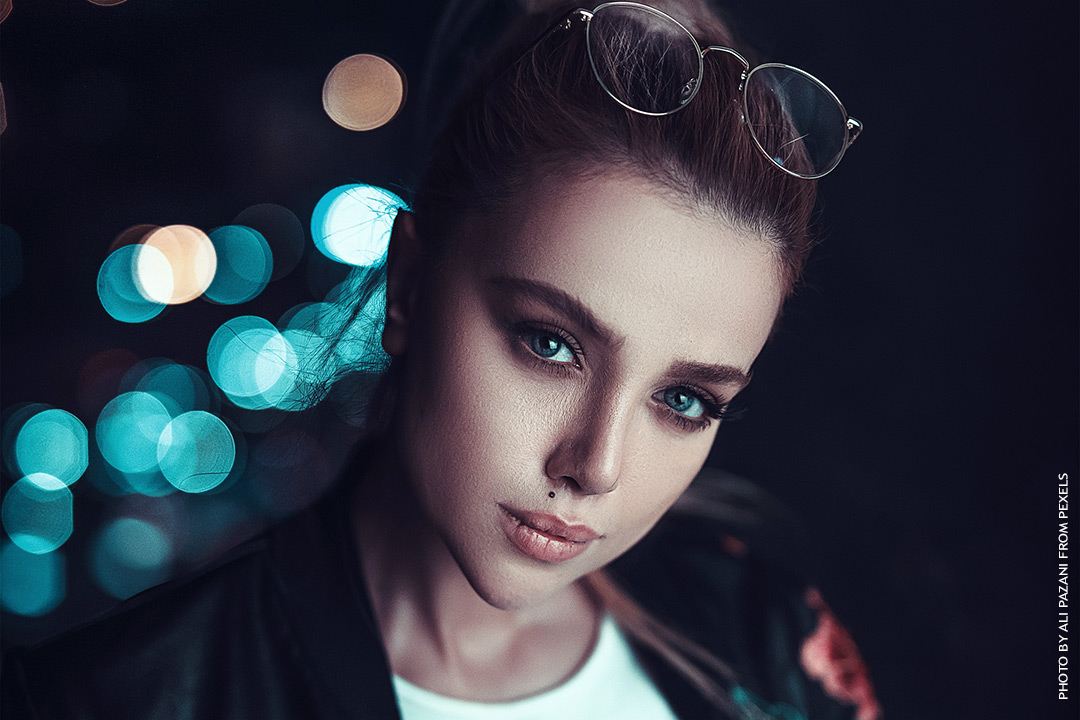
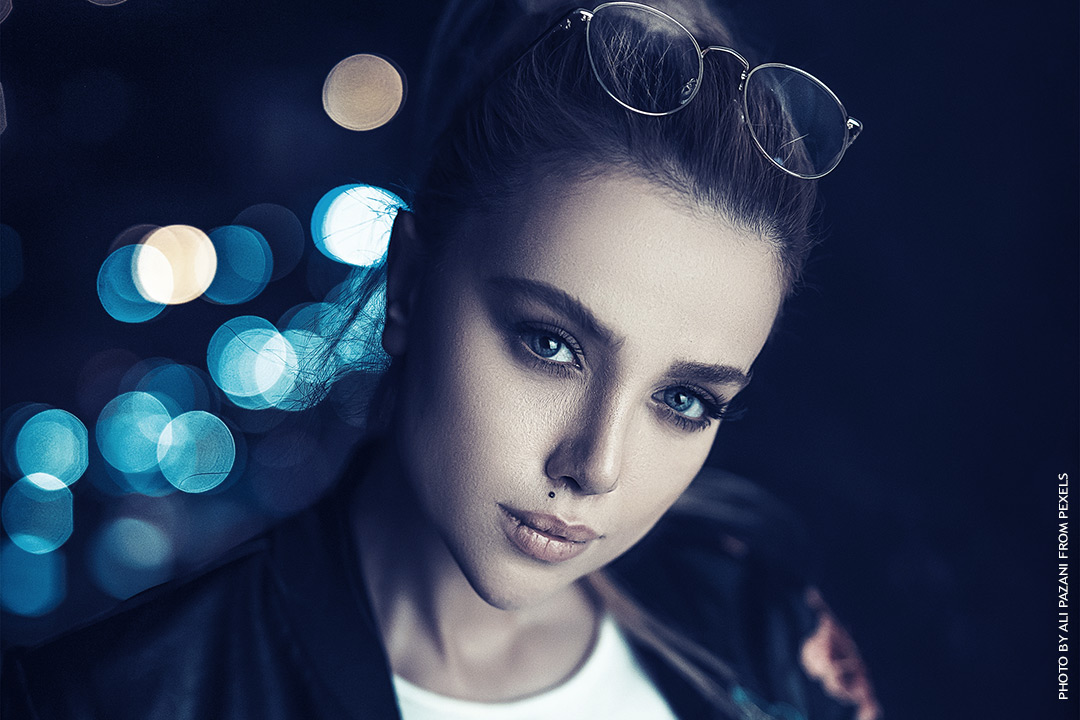
Same photo,
different moods
Endless color grading combinations from the same shot.
No Surprises
No subscription,
yours for good
A single payment and no auto-renewal.