 EN
 IT
Blending
Blending v2
Multiple exposure day and night
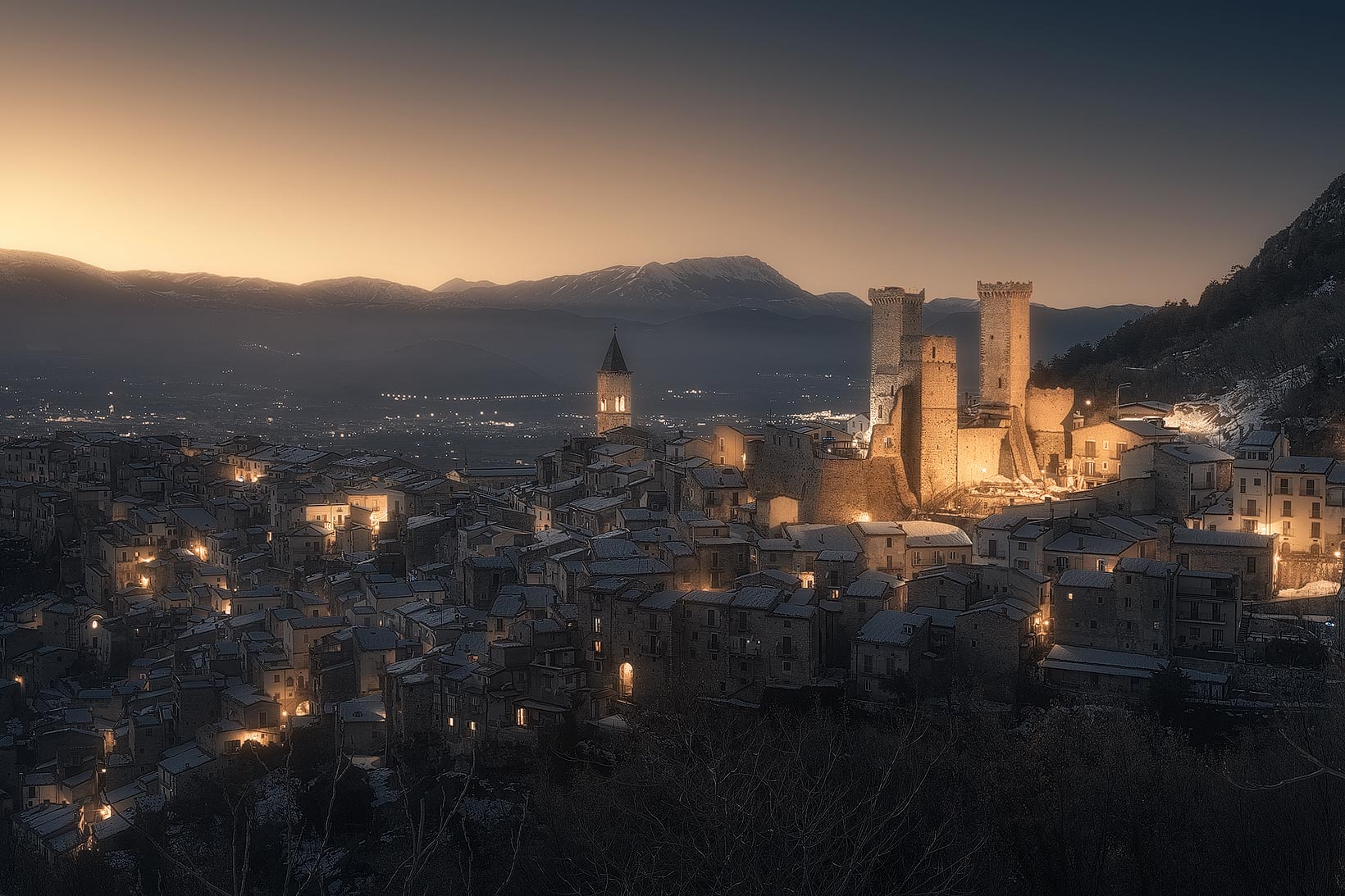
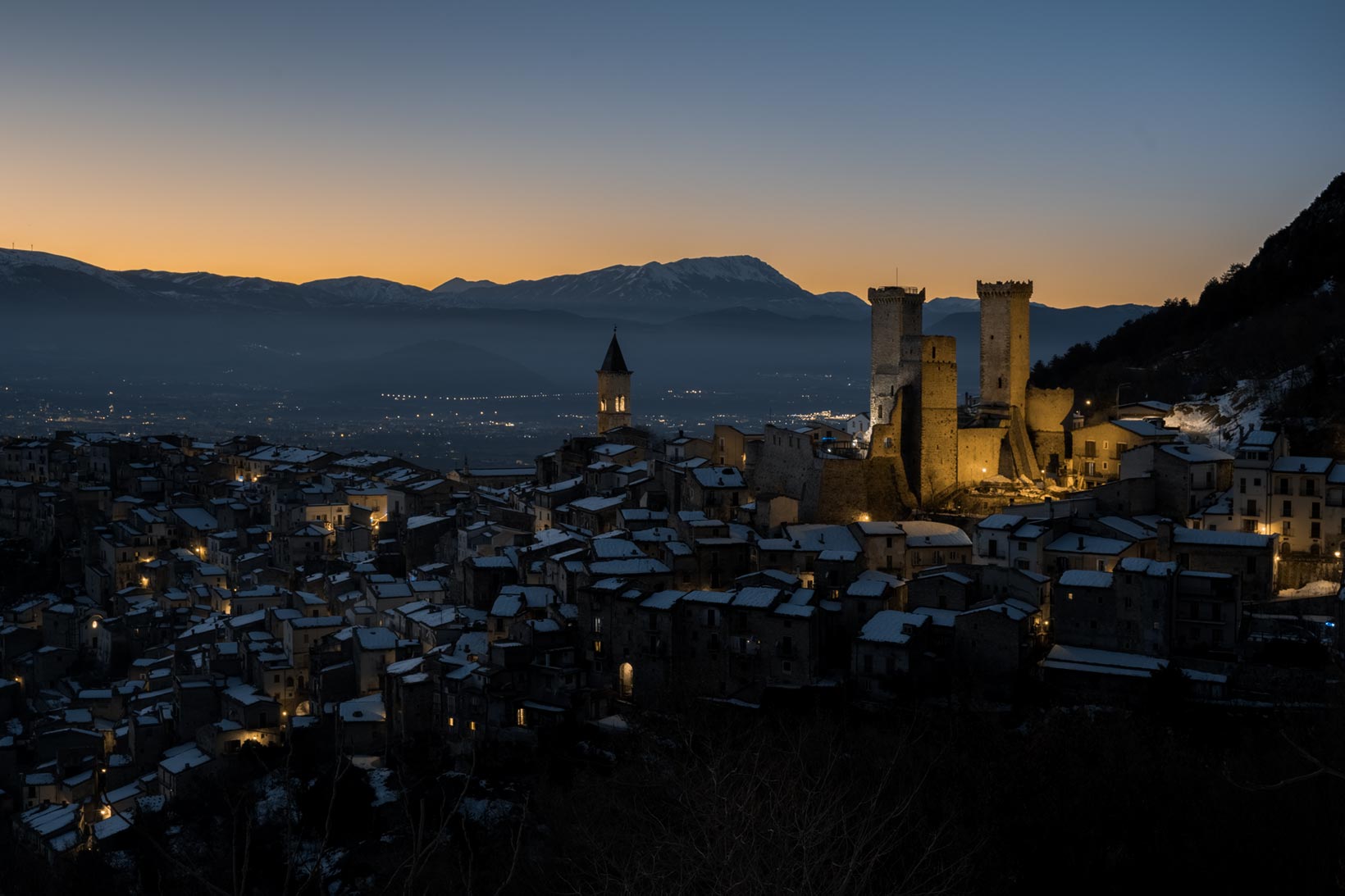
Advanced, smart blending for multiple exposures: merge shots, expand dynamic range and emphasize light and color.

Powerful and Versatile
Advanced system linearized RAW
Algorithms designed to get the best out of any situation.
-
Guided ProcessFollow the steps in order, without having to memorize the correct blending sequence.
-
Blend in Mean, with Masks and Light StackingMean to reduce noise, masks for maximum precision, light stacking for light trails.
-
HDR 32bitWorks in 32bit floating point for maximum dynamic range, without clipping.
Discover Every Feature
The whole blending workflow
in one single plugin
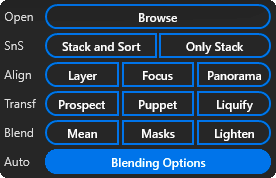
Every Blending tool, in a single view.

Straight from Camera RAW
Use the Browse command to select all the images to blend, then use the power of Adobe Camera RAW to fine-tune the parameters.
-
Adobe Camera RAW processingFine-tune exposure and color for every shot right from Camera RAW before blending.
-
Smart object conversionKeeps each layer editable non-destructively after import.
-
Open as imageImports a shot as a flattened layer when you don't need Smart Object flexibility.

One document, every layer sorted
Stack and Sort imports every open photo into a single Photoshop document with layers sorted by luminosity.
Only Stack imports the photos keeping the original layer order, handy for Focus Stacking.
-
Import as separate layersBrings every selected photo into one document, each on its own layer.
-
Automatic sort by luminosityOrders the stacked layers from darkest to brightest automatically.

Align, stack and stitch automatically
Select the layers and click Layer to align them (Smart Objects are rasterized), Focus to attempt automatic Focus Stacking, or Panorama to generate a panorama.
-
Automatic layers alignmentCorrects small handheld shifts between shots before blending.
-
Automatic Focus Stacking mergeCombines multiple focus points into one fully sharp image.
-
Automatic Panorama mergeStitches aligned shots into a single wide panorama.

Perfect symmetry, easily
Edit and transform your images to get the perfect symmetry.
-
PerspectiveCorrects converging lines from wide-angle or upward shots.
-
PuppetReshapes specific areas of an image with pinned control points.
-
LiquifyFine-tunes shape and flow for the perfect symmetry.

Every layer, one click away
Select all layers and get the blending in just one click.
-
MeanAverages all layers together for smooth, noise-free blends.
-
MasksBuilds masks so each layer contributes only where it should.
-
Add lightBlends in extra light sources, like stars or a rising moon, from a separate shot.
Beyond the limits of 16-bit HDR
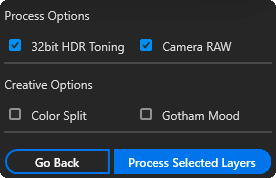
A proprietary algorithm bypasses the limits of classical 16-bit HDR in Camera RAW or 32-bit HDR Pro in Photoshop, giving you the full dynamic range of your images.
Gotham Mood combines Glow, Orton, Dodge & Burn, Volume and Contrast for a very creative, dynamic result.
-
32bit HDR Toning MapTone-maps the full 32-bit dynamic range into a printable, natural-looking image.
-
Color Split Color CorrectionGrades shadows and highlights with independent color casts.
-
Gotham MoodOne-click cinematic combo of Glow, Orton, Dodge & Burn, Volume and Contrast.
Start Here
The plugin in action
No Surprises
No subscription,
yours for good
A single payment and no auto-renewal.