 EN
 IT
Sharpen
Sharpen v2
Full control over contrast and detail
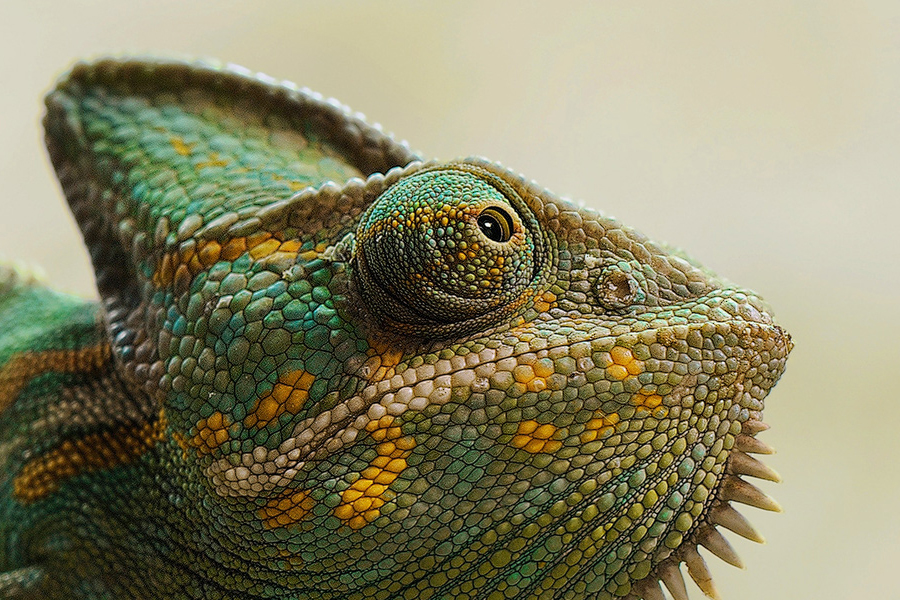
Fine-tune every frequency of contrast: small details, structure and volume, for sharper, more three-dimensional photos.

Detail
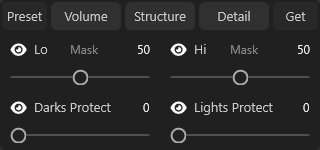
Extract fine detail at every frequency
Add detail without halos or artifacts, with the mask preview always visible.
-
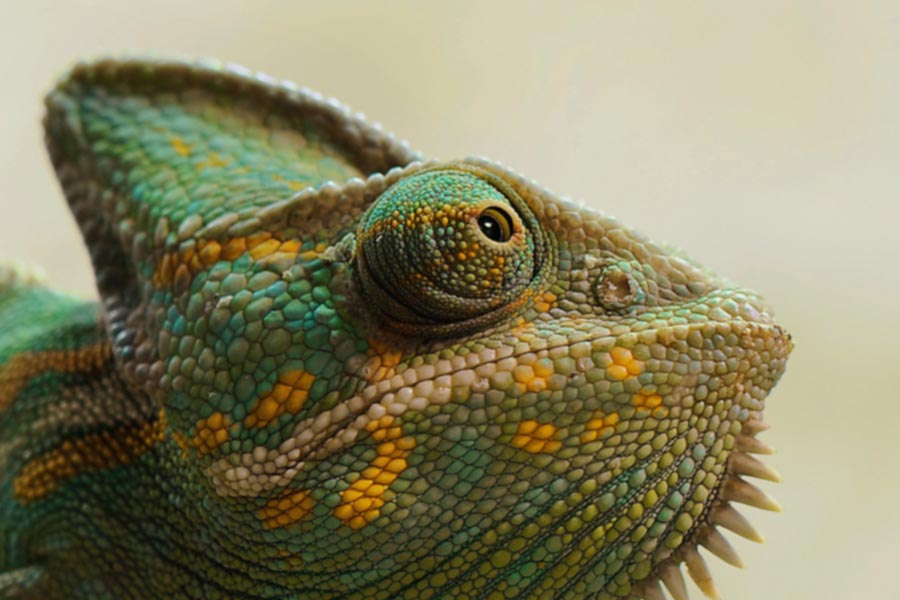
High & low frequency detailSeparates fine detail from broad tonal shifts for cleaner sharpening.
-
Protect highlights & shadowsKeeps the effect from over-sharpening the brightest and darkest areas.
-
Preview maskShows exactly where the effect is being applied.
Structure
Make every detail pop
Enhance structure and texture without the halos and artifacts of traditional techniques.
-
High & low frequency structureSeparates mid-sized texture from broad tone for natural-looking pop.
-
Protect highlights & shadowsKeeps the effect from over-sharpening the brightest and darkest areas.
-
Preview maskShows exactly where the effect is being applied.


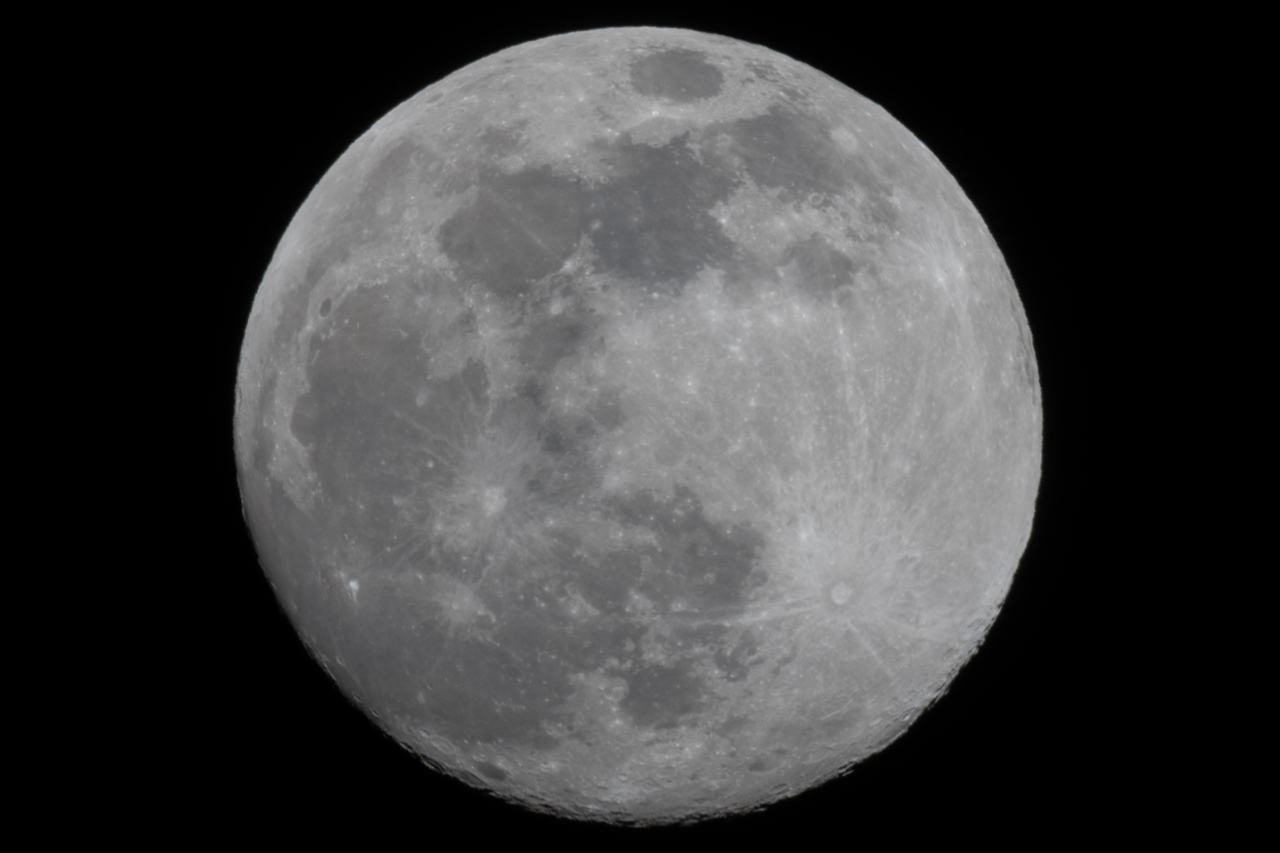
Volume
More three-dimensionality
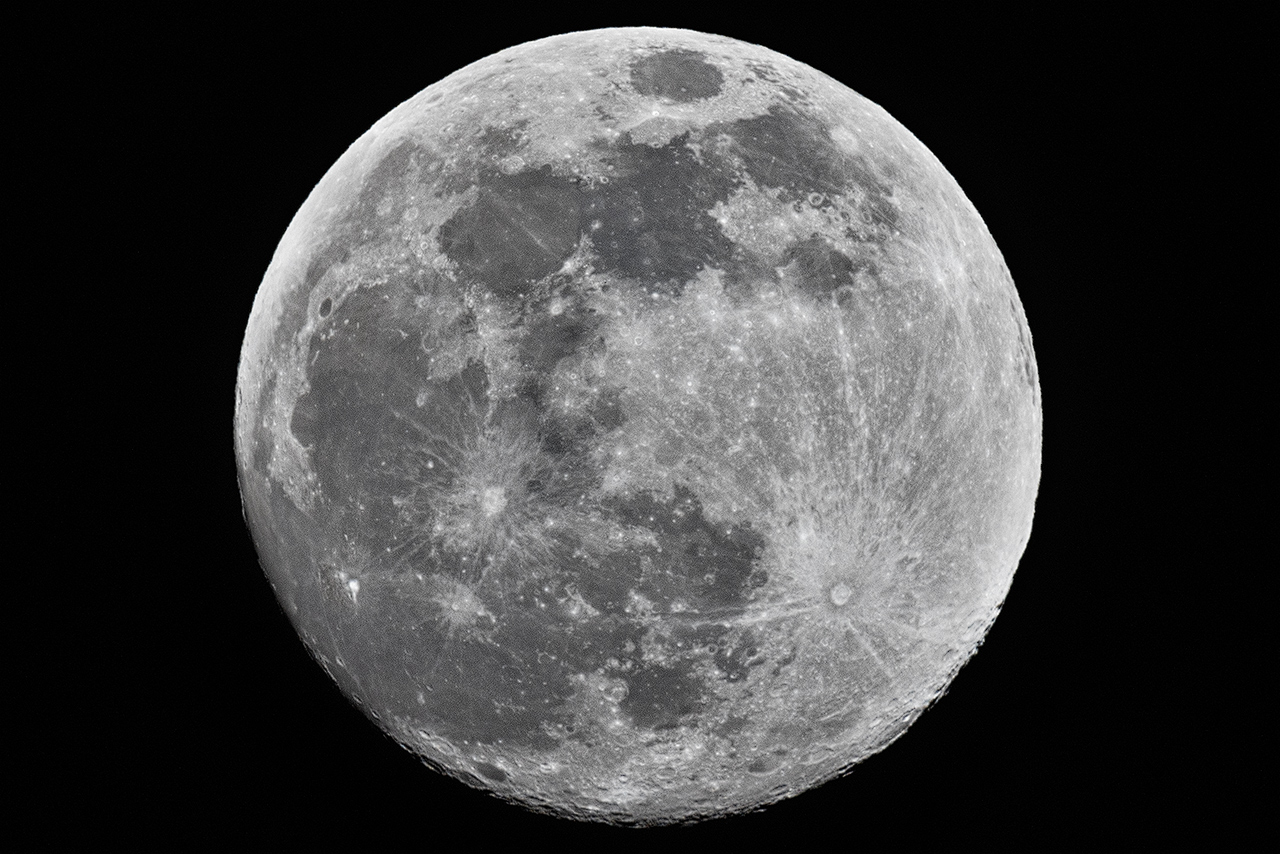
Improve volume and contrast without the halos and artifacts of traditional techniques.
-
High & low frequency volumeSeparates large-scale shape from broad tone to add three-dimensionality.
-
Protect highlights & shadowsKeeps the effect from over-sharpening the brightest and darkest areas.
-
Preview maskShows exactly where the effect is being applied.
Discover Every Feature
Control sharpness
with a single plugin
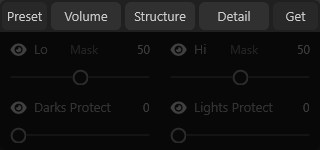
Every Sharpen tool, in one view.
Save Time by Reusing Presets
Create your own custom presets and apply them with a single click.
-
Save Your PresetsKeep your favorite Detail, Structure, and Volume settings for future use.
-
Load Presets Whenever You Need ThemApply a saved preset to a new image with a single click.
-
Delete Unused PresetsKeep your preset list clean and easy to navigate.
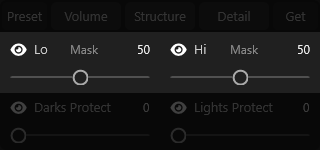
Extract Detail at Every Frequency
Bring out the finest details and preview the mask where the effect is applied, keeping everything under control.
-
High and Low Frequency DetailSeparate fine details from broad tonal variations for cleaner sharpening.
-
Volume, Structure, and DetailGet the best possible results based on your image's texture.
-
Mask PreviewSee exactly where the effect is being applied.
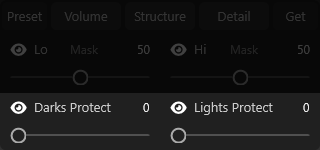
Prevent Halos and Artifacts
Take advantage of advanced algorithms to protect delicate areas from halos and artifacts introduced by other techniques.
-
Separate Shadow and Highlight ProtectionPrevent the effect from becoming excessive in the brightest and darkest areas.
-
Real-Time PreviewSee the final effect on your image instantly.
-
Mask PreviewSee exactly where the effect is being applied.
Watch It In Action
Perfect detail
for every photography genre
No Surprises
No subscription,
yours for good
A single payment and no auto-renewal.