 EN
EN IT
IT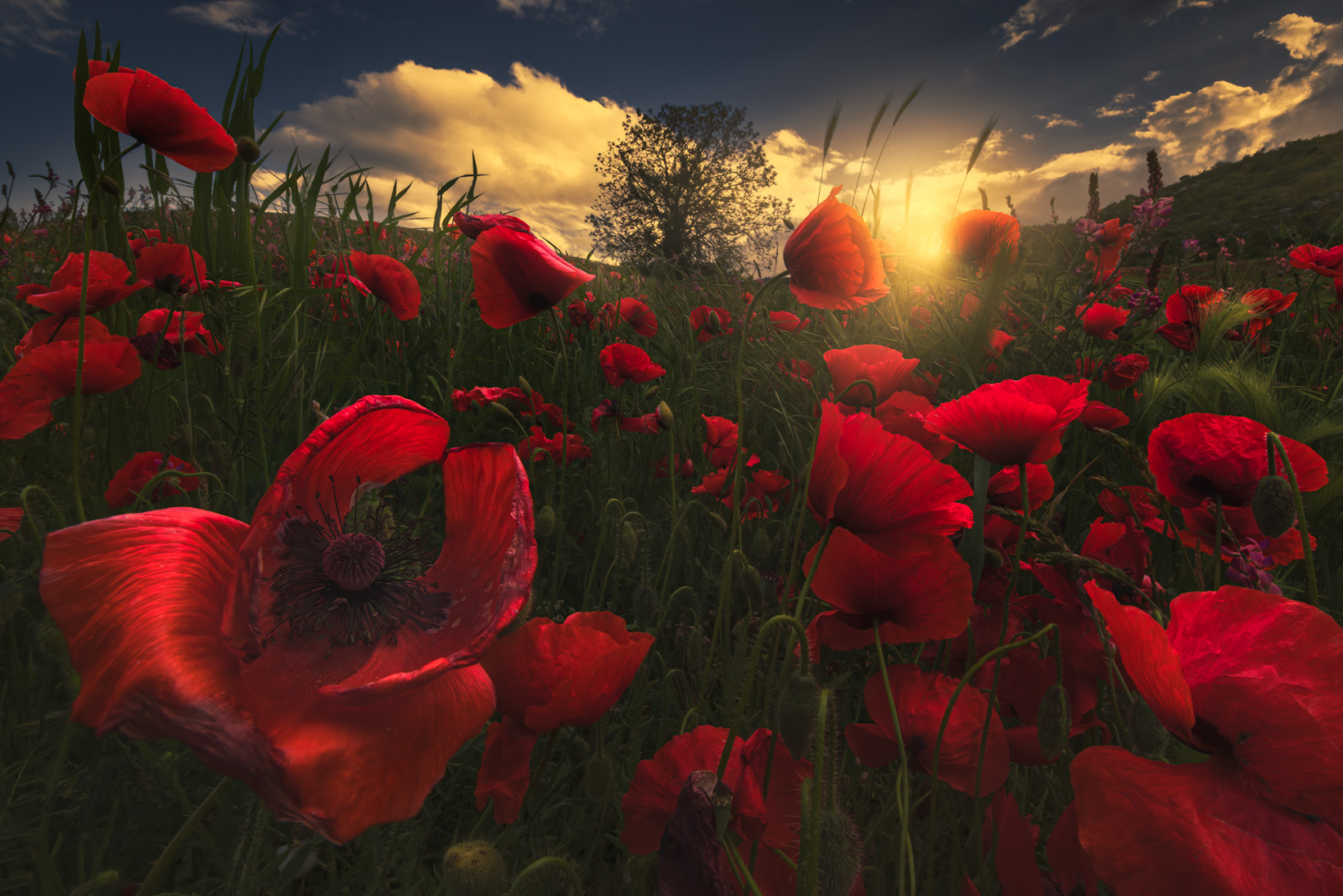
Basic
Basic v1
The essential tools
for every workflow
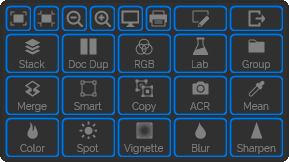
The operations you repeat on every project, from import to final touch-up, gathered in a single panel and always within reach.
Simple and Straightforward
Tools that are simple and powerful
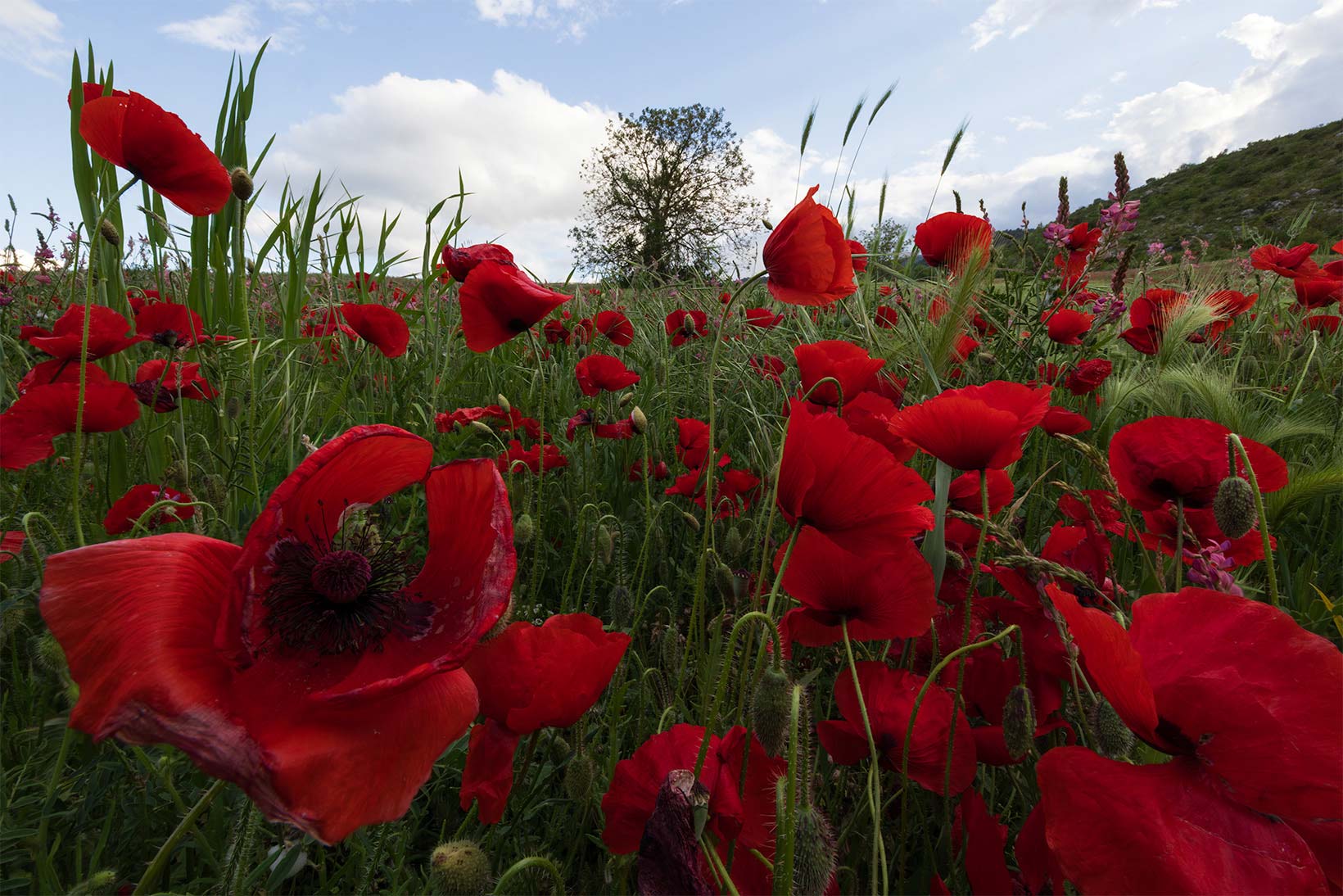
The essential adjustments that bring every image to life.
-
Light and Dynamic VignetteAdd a light spot to guide the eye and a vignette to darken the edges, both adjustable in real time.
-
Lab Color BoostIncreases saturation by working in the Lab color space, for a more natural push than classic Saturation.
-
Image StackingBrings all your open shots into a single document, ready to be merged together in one click.
Discover Every Feature
Essential functions
a click away
Every Basic tool, in a single view.
See it, fit it, export it
The everyday tools to control what you see on screen and send the result to storage or the web, without leaving the panel.
-
100% ZoomBrings the image to its real resolution, pixel for pixel, to check every detail.
-
Fit to VideoFrames the view to video-frame proportions, ready for a multimedia project.
-
Fit to PrintShows the image at its final print size, so you can judge the result before exporting.
-
Quick ExportSaves a copy ready for archiving or web publishing right away, without going through Export As.
Stack, convert, organize
The functions that prep your working document: gather your shots into one file, duplicate it in a click, convert layers into advanced Smart Objects, and group everything to stay organized.
-
StackBrings every open image into a single document, ready to be worked on and blended together.
-
Doc DupQuickly duplicates the active document, so you can experiment without touching the original.
-
RGB / LabConverts layers into advanced Smart Objects, editable in both RGB and Lab.
-
GroupGroups layers together to keep even the most complex projects organized.
Merge without losing anything
The button that stamps every visible layer into a new one on top, leaving your project and the layer history underneath untouched.
-
SmartConverts the new layer into a Smart Object, so you can keep working without losing quality.
-
CopyDuplicates an advanced object while keeping the link to its original content.
-
ACRApplies Camera RAW filters straight onto the layer, without leaving Photoshop.
-
MeanAverages the selected layers to neutralize an unwanted color cast.
Color, light, finish
The final creative touches before delivering the shot: boost color, add light and atmosphere, then finish with blur and sharpening for the final result.
-
ColorBoosts color saturation working in Lab space, for a more natural push than classic Saturation.
-
SpotAdds a dynamic light spot to draw the eye toward the subject.
-
VignetteApplies a dynamic vignette to darken the edges and bring out the center of the image.
-
Blur & SharpenBlurs secondary areas and finishes with final sharpening on the details that should stay in focus.
Watch It In Action
The tool's simplicity
guarantees the result
No Surprises
No subscription,
yours for good
A single payment and no auto-renewal.