 EN
 IT
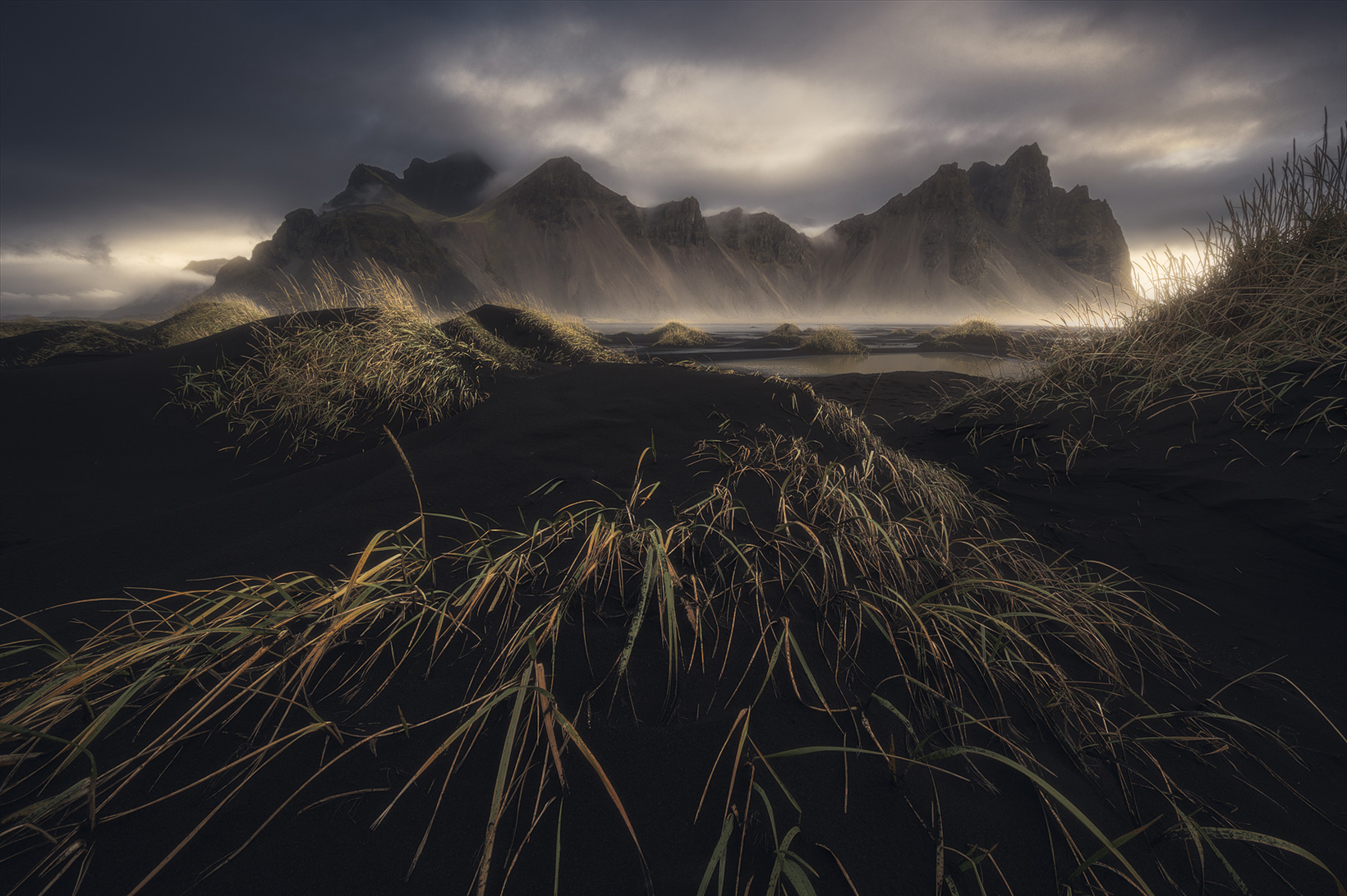
Glow & Orton
Glow & Orton v2
Create a dramatic or dreamy atmosphere
in every photograph
Two classic darkroom looks, fully controllable: dial in intensity, color and mask on highlights and shadows independently.

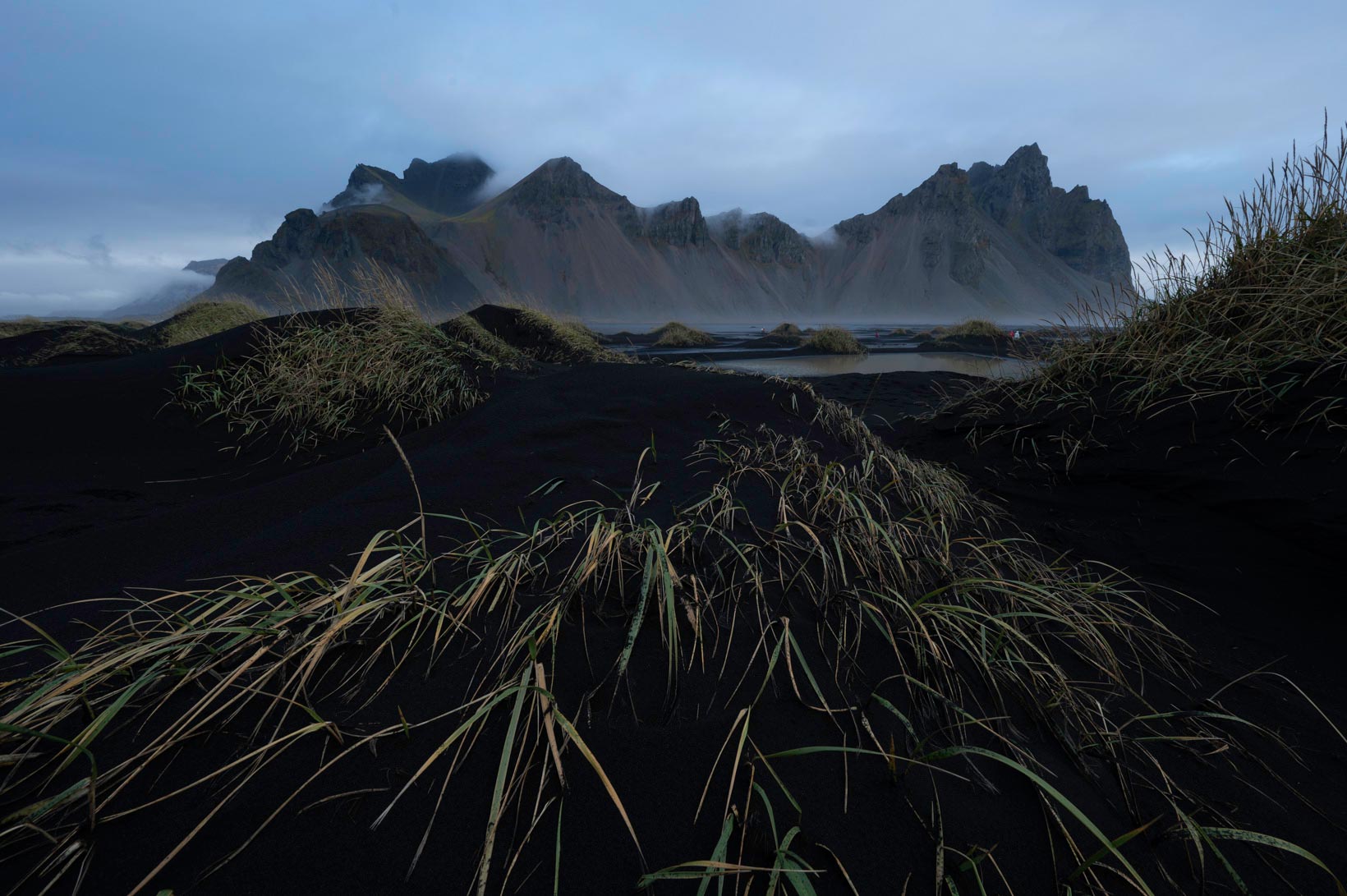
Leave Your Mark
Full control over the atmosphere
Whether it's a dramatic or a dreamy image, decide which mood to convey.
-
Real-Time EditingAdjust every parameter and see the result update instantly, with a live preview that's simple and complete.
-
Control over Highlights and ShadowsApply Glow and Orton independently to highlights and shadows, for an effect tailored to every tonal zone.
-
Color Grading on Highlights and ShadowsTints highlights and shadows with different colors, for fine color grading in a darkroom style.
Discover Every Feature
Control the atmosphere
with a single plugin
Every Glow & Orton tool, in one view.

Apply your favourite mood in one click
Create your mood, save your preset and apply it whenever you need it.
-
Create your moodDial in Glow and Orton settings until the atmosphere feels right.
-
Save your presetStores the look so you can reuse it on future images.
-
Apply the presetApplies a saved mood to a new photo in one click.

Shadows and Highlights, Independently
Dark Effect controls the intensity, blur, and contrast of the Glow/Orton effect in the shadows.
Lights Effect controls the intensity, blur, and contrast of the Glow/Orton effect in the highlights.
-
Choose the IntensityControl how pronounced the dreamy Glow or dramatic Orton effect appears.
-
Adjust the RadiusControl how widely the effect spreads across the image.
-
Fine-Tune the ContrastAchieve a more dynamic and impactful look, or a softer, dreamier result.

Shadows and Highlights, Independently
Darks Color controls the color of your shadows, adding drama and mystery.
Lights Color controls the color of your highlights, bringing life and vibrancy.
-
Choose the IntensityControl how strongly the color grading affects shadows and highlights independently.
-
Use the Color WheelPrecisely apply your desired color mood with professional control.
-
Pick Colors Directly from Your ImageSample a color directly from your image and apply it to create your desired color mood.

Shadows and Highlights, Independently
Darks Color controls the color of your shadows, adding drama and mystery.
Lights Color controls the color of your highlights, bringing life and vibrancy.
-
Constrained ModeClick the toggle to easily switch between free sampling and constrained mode for more precise color selection.
-
Micro-Adjustment ModeRight-click the color marker on the color wheel to enter Micro-Adjustment Mode!
-
Pick Colors Directly from Your ImageSample a color directly from your image and apply it to create your desired color mood.
Watch It In Action
Five techniques for the perfect atmosphere
No Surprises
No subscription,
yours for good
A single payment and no auto-renewal.