 EN
 IT
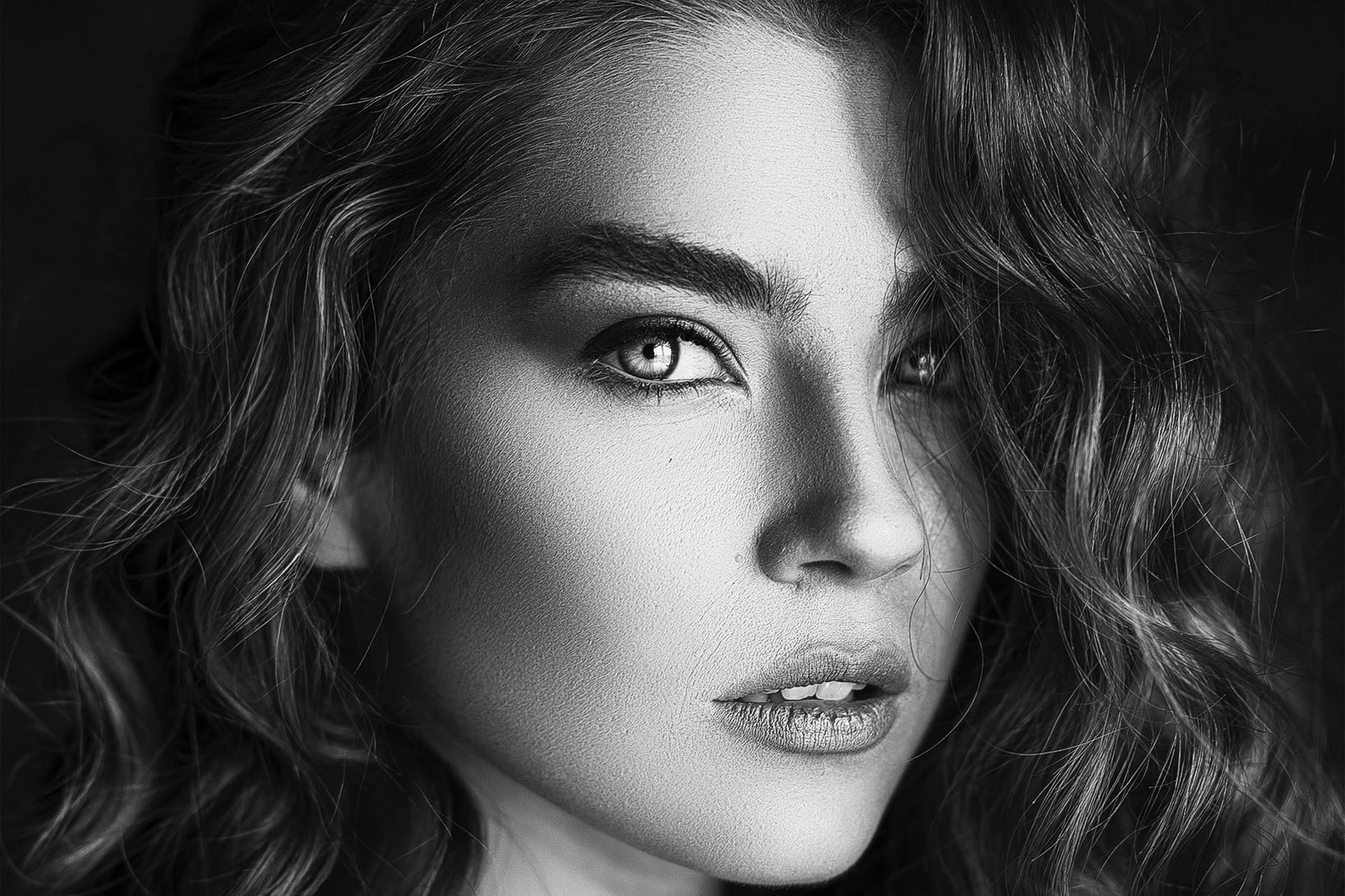
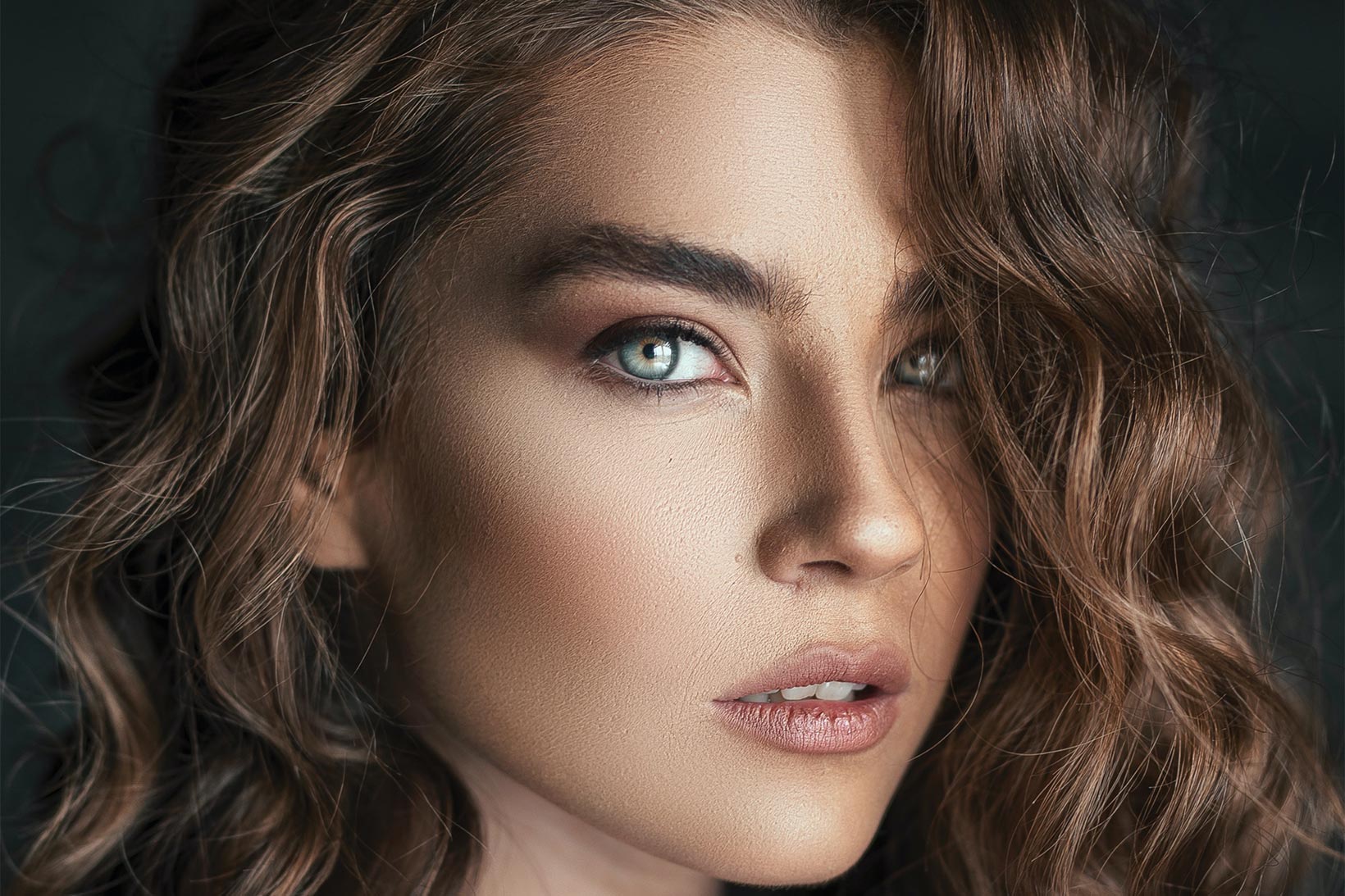
Black & White
Black & White v2
The most advanced system for creating black & white images
Full tonal control based on Ansel Adams' Zone System, with advanced color-based filters and dynamic contrast.



Intuitive and Powerful
360 combinations of black and white
Not the usual algorithms on 3 channels or 8 colors. Here you get 360 different shades.
-
Simple as Camera RAWIt's not Camera RAW: it's our own system, with the same immediacy but more powerful and easier to use.
-
360 Colors of ConversionNo fixed channels or limited presets: adjust the conversion across a full 360-color wheel, for uncompromising color control.
-
Ansel Adams' Zone SystemEleven classic tonal zones for precise contrast control, zone by zone, just like analog darkroom photography.
Discover Every Feature
Control Black & White
with a single plugin
Every Black & White tool, in one view.

Ansel Adams' 11-zone histogram
Combined with Tonality Masks, this lets you build advanced masks to fine-tune contrast across your black & white images.
-
11-zone histogramReads brightness across Ansel Adams' 11 classic zones.
-
Individual zone selectionPick exactly which zone you want to adjust.
-
Mask for every zoneGenerates a ready-to-use mask for each of the 11 zones.
Choose your starting point
The Black and White Filter slider sets where the conversion begins; the Color slider gives you an even simpler starting point.
-
Black and white filterSets which original colors convert to lighter or darker gray.
-
Conversion based on colorStarts the conversion from the image's own color relationships.
-
Dynamic contrast per tone rangeAdjusts contrast differently in shadows, midtones and highlights.
Precise control, every tone range
Intervene precisely on exposure, lights, midtones, shadows, whites, blacks and clarity.
-
Exposure optimizationCorrects overall brightness before fine-tuning contrast.
-
Contrast optimizationExpands or compresses the tonal range for more punch or softness.
-
Lights & shadows optimizationRecovers detail in blown highlights or blocked shadows.

A perfect mix of two filters
The Clarity slider blends contrast, clarity, texture, detail, blur, dehaze and glow into one control.
-
A perfect mix of two filtersBlends contrast, clarity, texture and glow into a single slider.
-
Increase the clarityAdds punch and midtone contrast without haloing.
-
Improve the softnessSmooths fine texture for a gentler, painterly look.

Colors from the darkroom era
Two dedicated sliders let you customize your black & white conversion with a color appearance that recalls classic film and darkroom development.
-
BW toningAdds a hint of color to shadows and highlights, darkroom-style.
-
Color fine tuningDials in the exact hue used for the toning effect.
-
Color intensityControls how strong the toning color appears.

Draw the eye to the subject
Intensity increases or decreases the final vignette effect, Scale controls its extension, and Mask protects the highlights.
-
Select the intensitySets how strong the vignette darkening is.
-
Select the dimensionControls how far the vignette extends into the frame.
-
Protect lightsKeeps the vignette from darkening the brightest highlights.
Random, controlled conversions
Click Get Inspired! for a set of specific black & white corrections generated randomly but under control, save the best combinations as Libraries for future use. Beware: this section is addictive!
-
CurvesRandomizes a Curves adjustment as part of the generated look.
-
Black and white filterRandomizes the black & white filter as part of the generated look.
-
Channel mixerRandomizes a Channel Mixer conversion as part of the generated look.
-
ContrastRandomizes a contrast boost as part of the generated look.
Watch It In Action
Fine-art
portrait conversion
No Surprises
No subscription,
yours for good
A single payment and no auto-renewal.